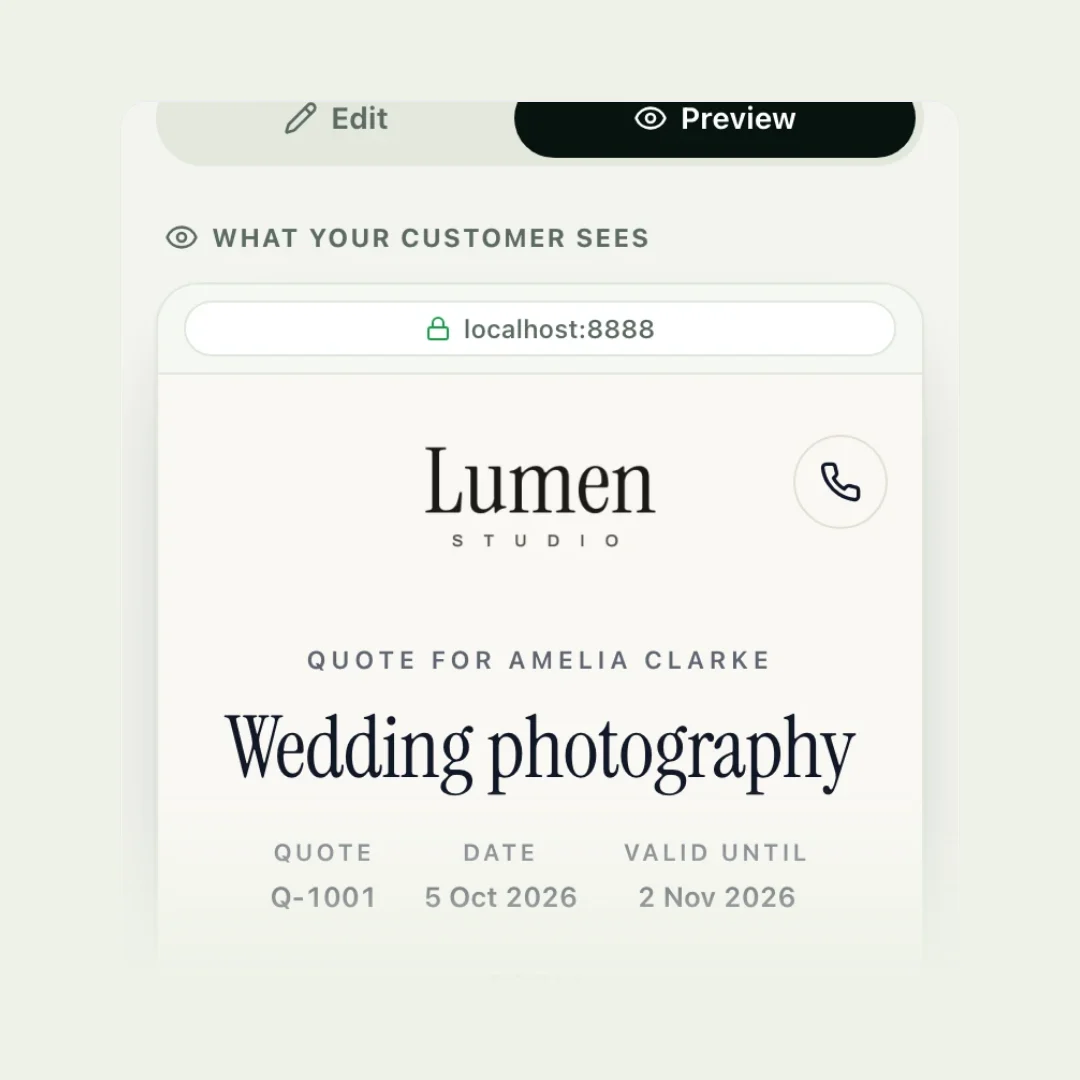
To write a quote for a job, give it a title the customer recognises, list each part of the work on its own line with its price, say what is not included, show one total with any tax and deposit, add the date the price is valid until, and end with exactly how to accept. Then send it while the customer is still thinking about the job.
That is the whole method. The rest of this guide goes through each part, with a worked example and a template you can copy.
Quote, estimate or invoice?
The three are easy to mix up, and customers mix them up too. Knowing which one you are sending tells you how firm the price must be.
| Document | What it is | When you send it |
|---|---|---|
| Quote | A fixed price for a job you have defined | Before the work, once you know the job |
| Estimate | Your best guess, which can change | Before the work, when you can’t be sure yet |
| Invoice | A request for payment | When money is due |
If you are not sure which to give, our guide to quotes and estimates explains when each is right.
What to include in a quote
A customer should be able to read your quote once and know what they are getting, what it costs and what to do next. That takes these parts:
- Your details: business name, phone, email, and any tax or registration numbers your country requires.
- Their details: the customer’s name and the address or place of the job.
- A quote number and date, so you can both refer to it.
- A title that describes the job in plain words.
- Each part of the job on its own line: what it is, the quantity, the price for one and the line total.
- Optional extras, clearly marked as optional.
- Subtotal, tax and total, with the total easy to find.
- The deposit, if you take one, and when the rest is due.
- What is not included.
- A valid-until date.
- Short terms and how to accept.
How to write a quote, step by step
1. Get the facts before you price
Ask the questions that change the price: size, access, materials, deadlines, anything unusual. Photos from the customer save a visit for many jobs. A quote built on a guess about the job is really an estimate.
2. Give it a title in the customer’s words
“Deep clean before you move in” or “New lawn and borders” tells the customer you understood. “Job 214” tells them nothing. Under the title, a sentence or two about the job proves you listened: the rooms, the date, the detail they mentioned.
3. Break the job into lines
One line per service or stage, each with a short description where the name is not enough. Where there is a quantity, show it: three rooms at £35 each reads better than a bare £105. Customers compare quotes line by line, and the one that is easiest to follow tends to be the one they trust.
4. Price each line properly
Each price should cover your time, materials, travel and a margin for the business. Price by the unit that suits the work: per hour, per day, per room, per square metre, per guest or a fixed price. If you keep a price list, quoting becomes picking lines rather than doing sums.
5. Offer extras instead of cutting your price
If a customer might want more, list it as an optional extra they can add. It lets them shape the job without asking you to lower the main price. Our guide to good, better, best pricing covers this in detail.
6. Say what is not included
Waste removal, parking, materials the customer supplies, a second coat. One line here saves an argument on the day.
7. Make the total, tax and deposit obvious
Subtotal, then tax if you charge it, then the total in the largest type on the page. If you take a deposit, show the amount, not just the percentage.
8. Add a valid-until date and short terms
A date protects you if your costs change, and gives the customer a reason to decide rather than drift. Keep the terms to a few plain sentences: when payment is due, what happens if plans change, how long the price holds.
9. Make accepting one step
End with one action: a button to accept, or “reply yes to go ahead”. Every extra step between reading and accepting loses you jobs.
A worked example
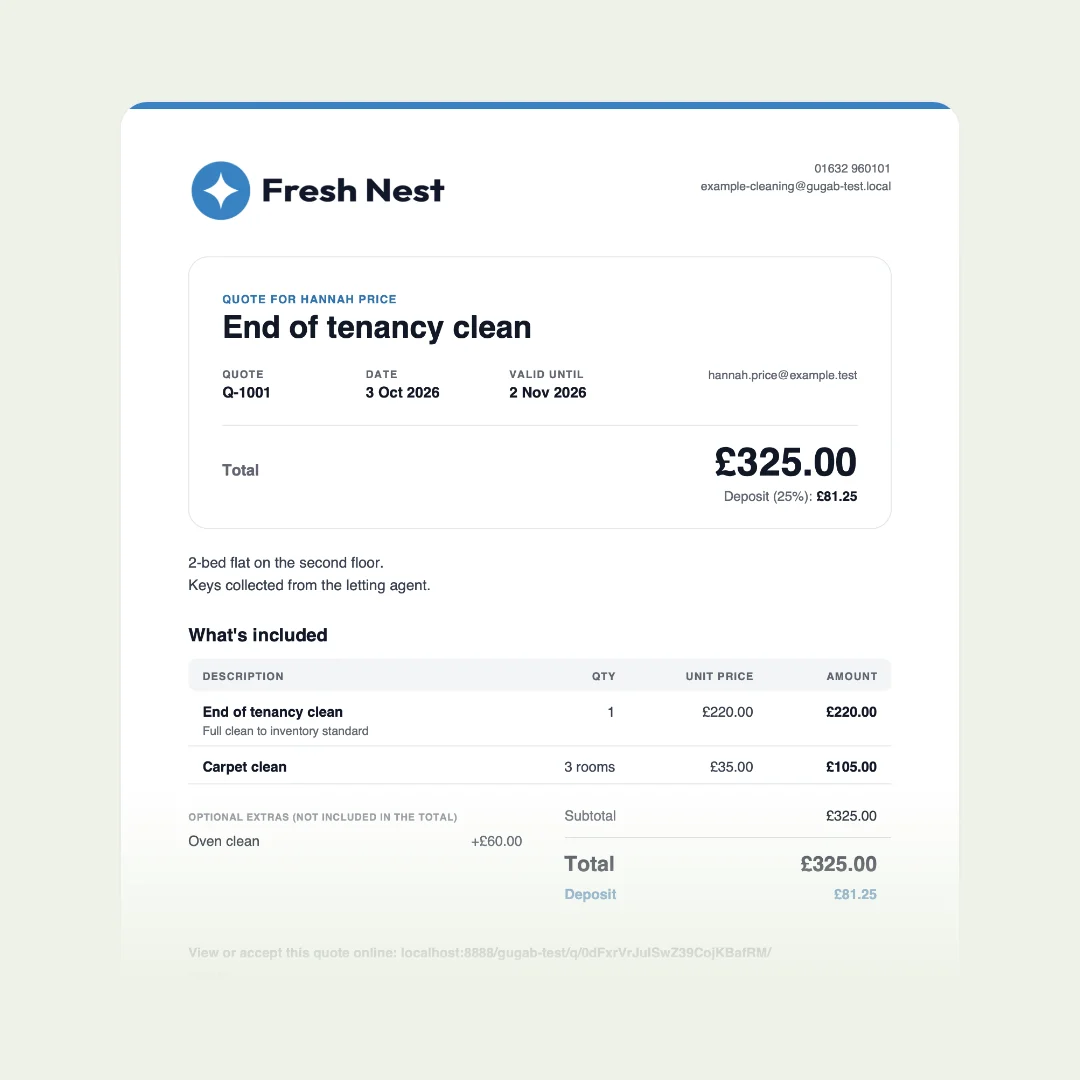
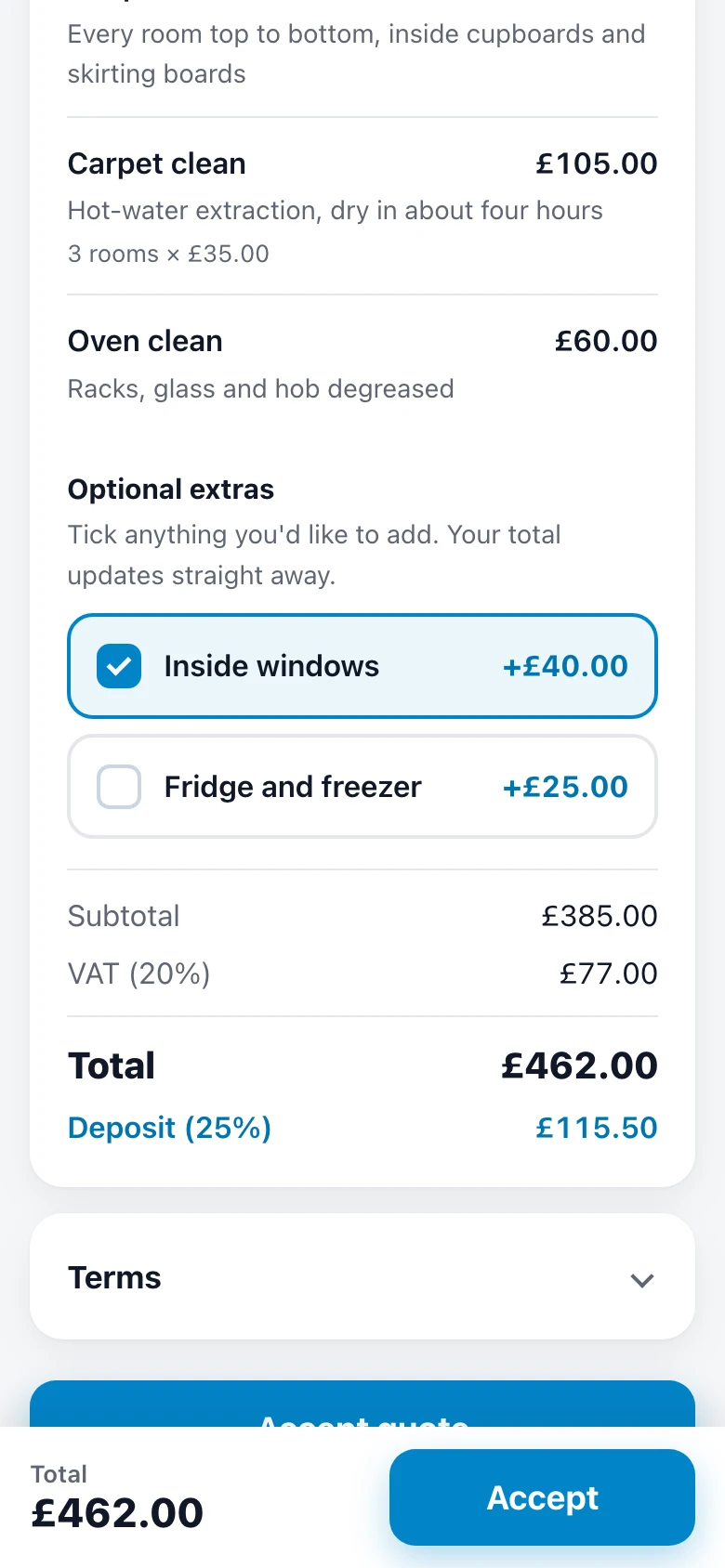
Here is a quote for a deep clean before a family moves into a three-bedroom house. The prices are an example, and the tax line depends on where you are and whether you are registered.
| Item | Qty | Price | Total |
|---|---|---|---|
| Deep clean, three-bedroom house | 1 | £180.00 | £180.00 |
| Carpet clean, per room | 3 | £35.00 | £105.00 |
| Oven clean | 1 | £60.00 | £60.00 |
| Optional: inside windows | +£40.00 | ||
| Optional: fridge and freezer | +£25.00 | ||
| Subtotal | £345.00 | ||
| Tax (20%) | £69.00 | ||
| Total | £414.00 | ||
| Deposit to book (25%) | £103.50 | ||
Free quote template
Here is the whole quote laid out, with the brackets to fill in. Download it for Word or Google Docs, or copy it as text into an email. Delete any line that does not apply.
logo
[Your business name]
[phone] · [email]
[tax or registration number, if you need one]
QUOTE
Prepared for
[Customer name]
[Job address]
The job
[Job title, in the customer's words]
[What you will do, where and when]
| Item | Qty | Price | Total |
|---|---|---|---|
| [Item] [What it covers] | [1] | [price] | [total] |
| [Item] [What it covers] | [1] | [price] | [total] |
| [Item] | [1] | [price] | [total] |
| Optional: [extra] Add it if you want it | + [price] |
- Subtotal
- [amount]
- [Tax name and rate]
- [amount]
- Total
- [amount]
- Deposit to book
- [amount]
Not included
[Anything the customer might assume is included]
Terms
Valid until the date above. Booked once the deposit is paid; the rest is due [on completion]. Changes agreed before extra work is done.
Rather not fill in the brackets? In Gugab this same quote fills itself in: your logo and details, your prices, the sums and the deposit, and your customer accepts it on their phone. Make it free
Short terms you can adapt
Terms are read when they are short. These cover the questions that most often cause trouble later:
Common mistakes
- One lump sum. A single figure invites haggling, because the customer cannot see what they are paying for.
- No end date. The customer comes back in six months expecting the old price.
- Hidden extras. Anything you might charge for later belongs on the quote now.
- Jargon. Write for the customer, not for another tradesperson.
- No next step. If accepting means a phone call, many customers will put it off.
- Sending it days later. By then, someone else has said yes.
- Never following up. A short, polite message wins jobs that were simply forgotten. See how to follow up on a quote.
The easy way: quotes on your phone
| By hand | With Gugab | |
|---|---|---|
| Prices | Typed in every time | Ready from your price list |
| Totals and tax | Worked out by you | Done as you tap |
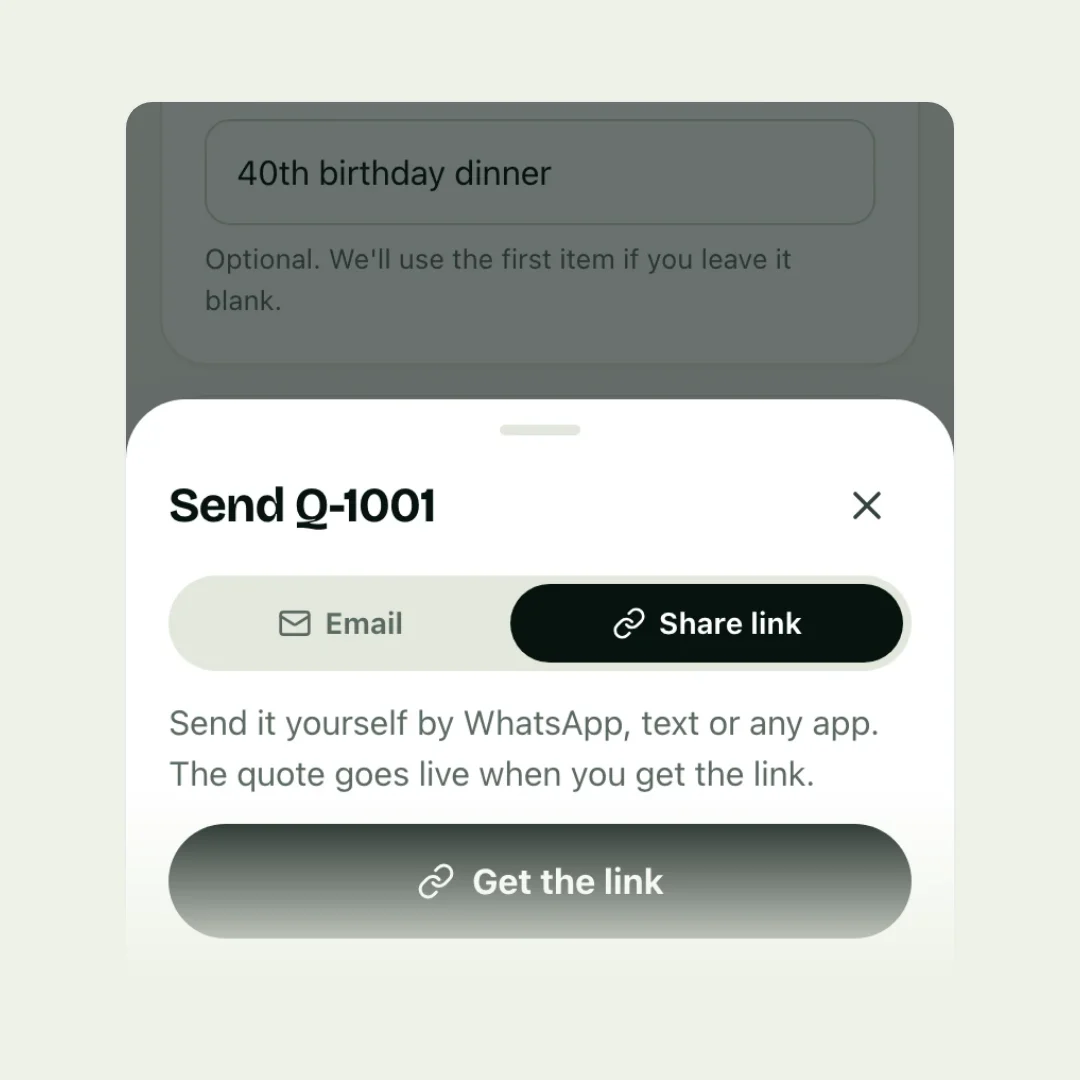
| Sending | A PDF attached to an email | A link by email, WhatsApp or text |
| Saying yes | A reply or a phone call | One tap, and their name |
| The deposit | Chasing a bank transfer | Paid by card on the spot |
| Did they read it? | You can only guess | You are told when they open it |
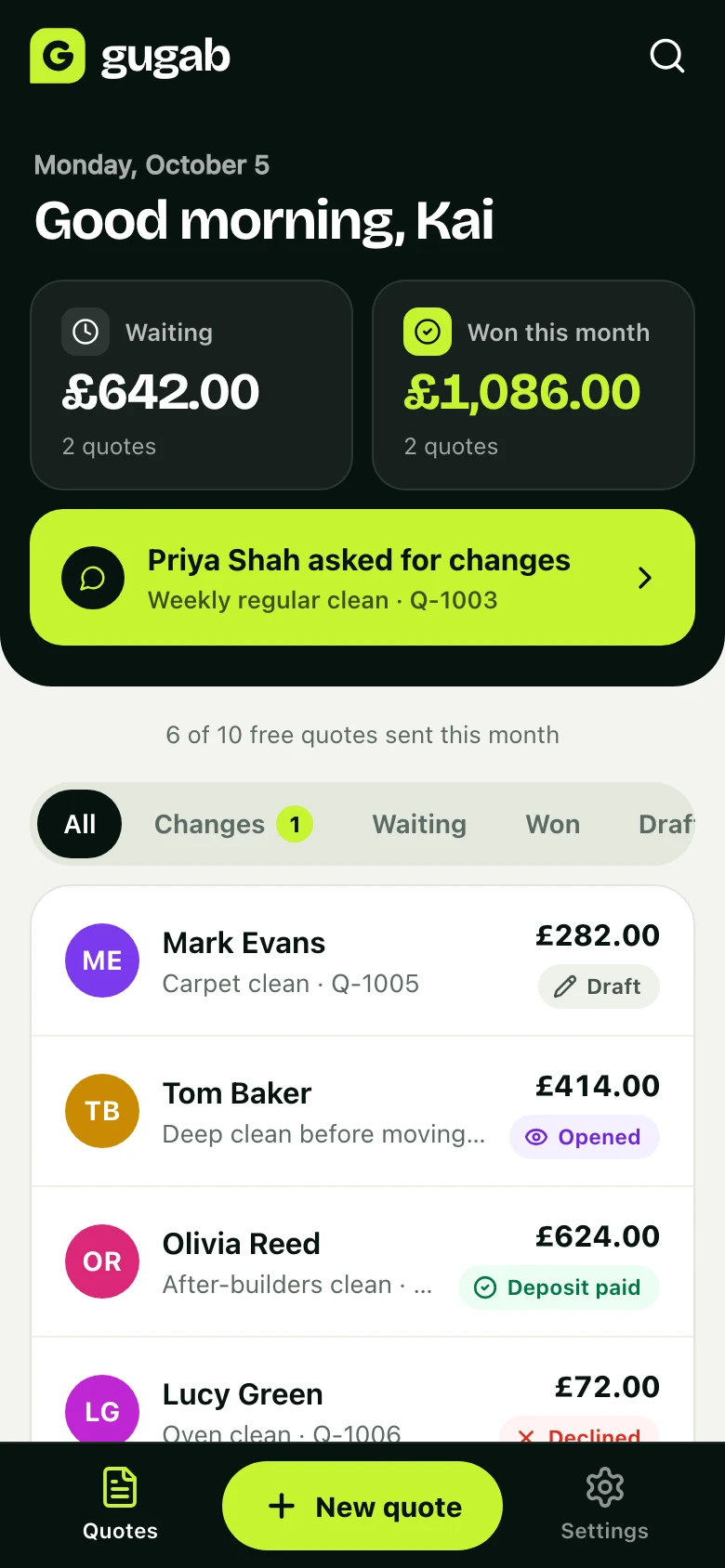
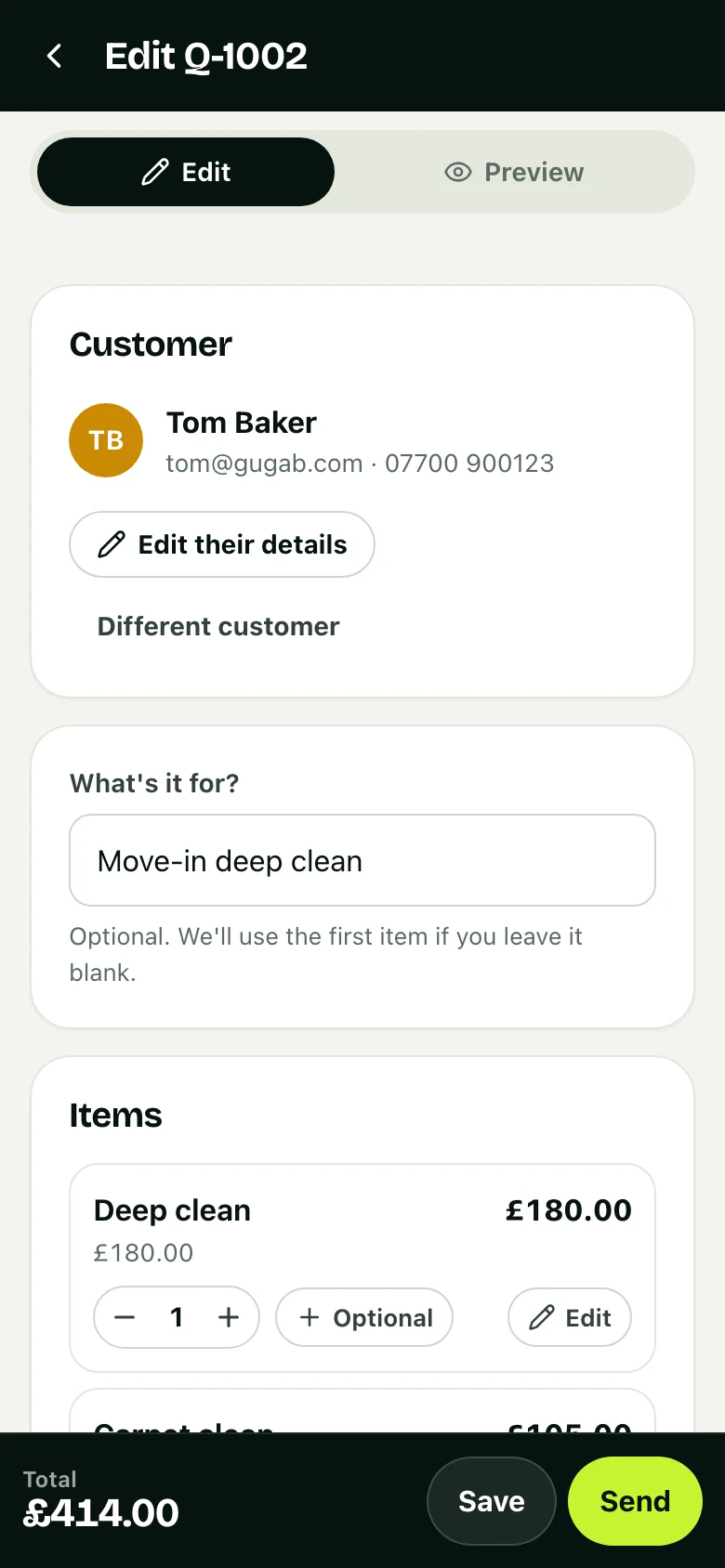
Everything above can be done on paper, but it is quicker on your phone. In Gugab your prices are ready, so writing a quote means tapping the items in, adding the customer and pressing Send. The customer gets a link that opens on any device, ticks any extras, accepts by typing their name and pays the deposit by card. You see when they open it.
Questions people ask
How long should a quote be valid for?
Thirty days is the most common choice, and 14 days suits work where your material costs move quickly. Whatever you pick, write the date on the quote ("valid until 3 November") rather than a number of days, so nobody has to work it out.
Is a quote legally binding?
In many countries a quote is an offer, and once the customer accepts it you both have an agreement at that price. The details depend on where you work and what the quote says, so treat every quote as something you will be held to, and check your local consumer rules if you are unsure.
Can I change a quote after I have sent it?
Yes, until the customer accepts. Send the new version and say what changed. After they accept, any change to the price or the work needs their agreement, so send a revised quote or a written variation rather than adding it to the final bill.
Can a quote be used as an invoice?
No. A quote is the price you offer before the work; an invoice asks for payment once it is agreed or done. Many businesses turn an accepted quote into the invoice, so the lines and prices match exactly.
Should I charge for writing a quote?
Most small businesses quote for free. For jobs that take hours to price, such as a detailed design or a site survey, a fee that comes off the final bill if the customer goes ahead is common and fair.
How quickly should I send a quote?
The same day, or the next morning at the latest. Customers often ask several businesses and go with the first clear answer they get.