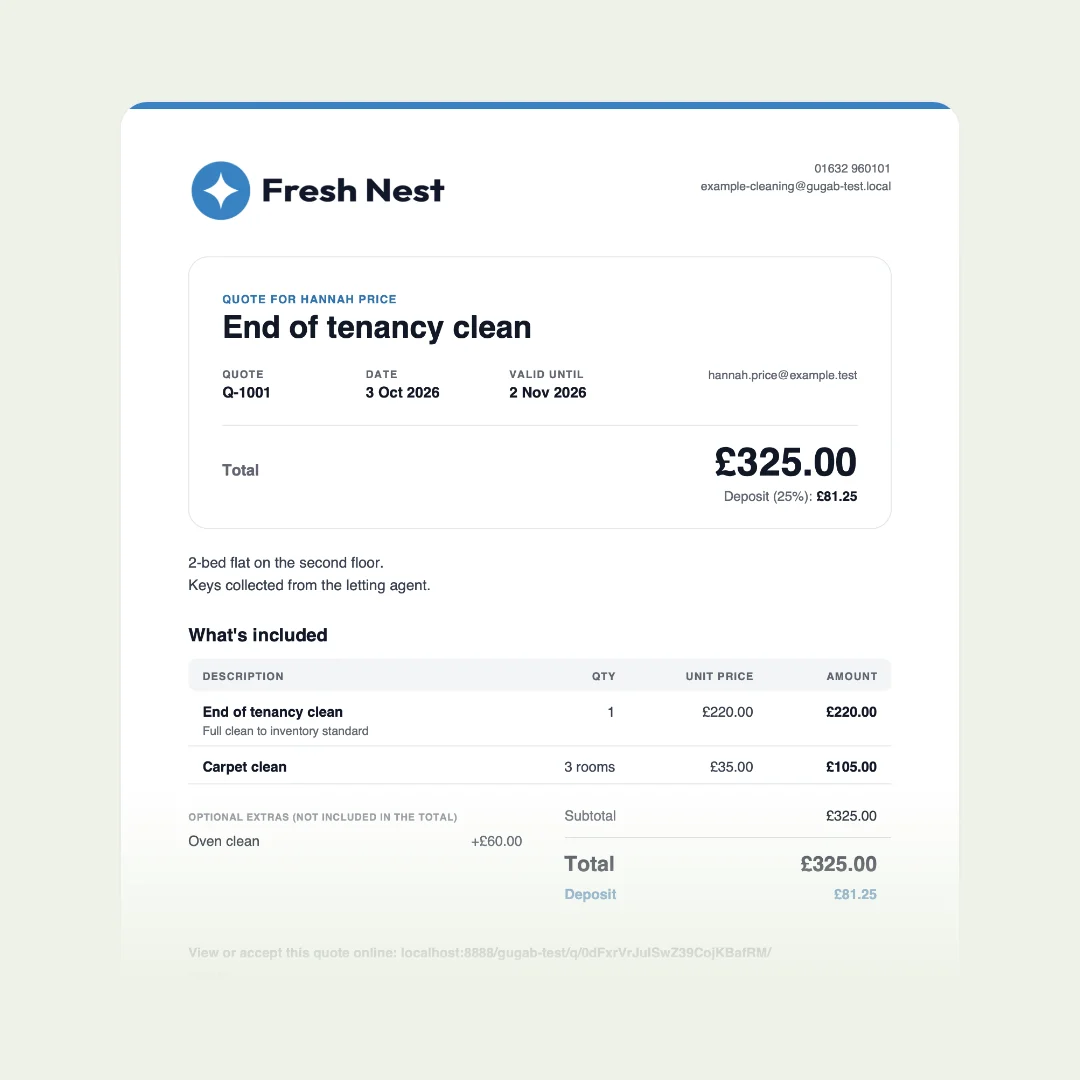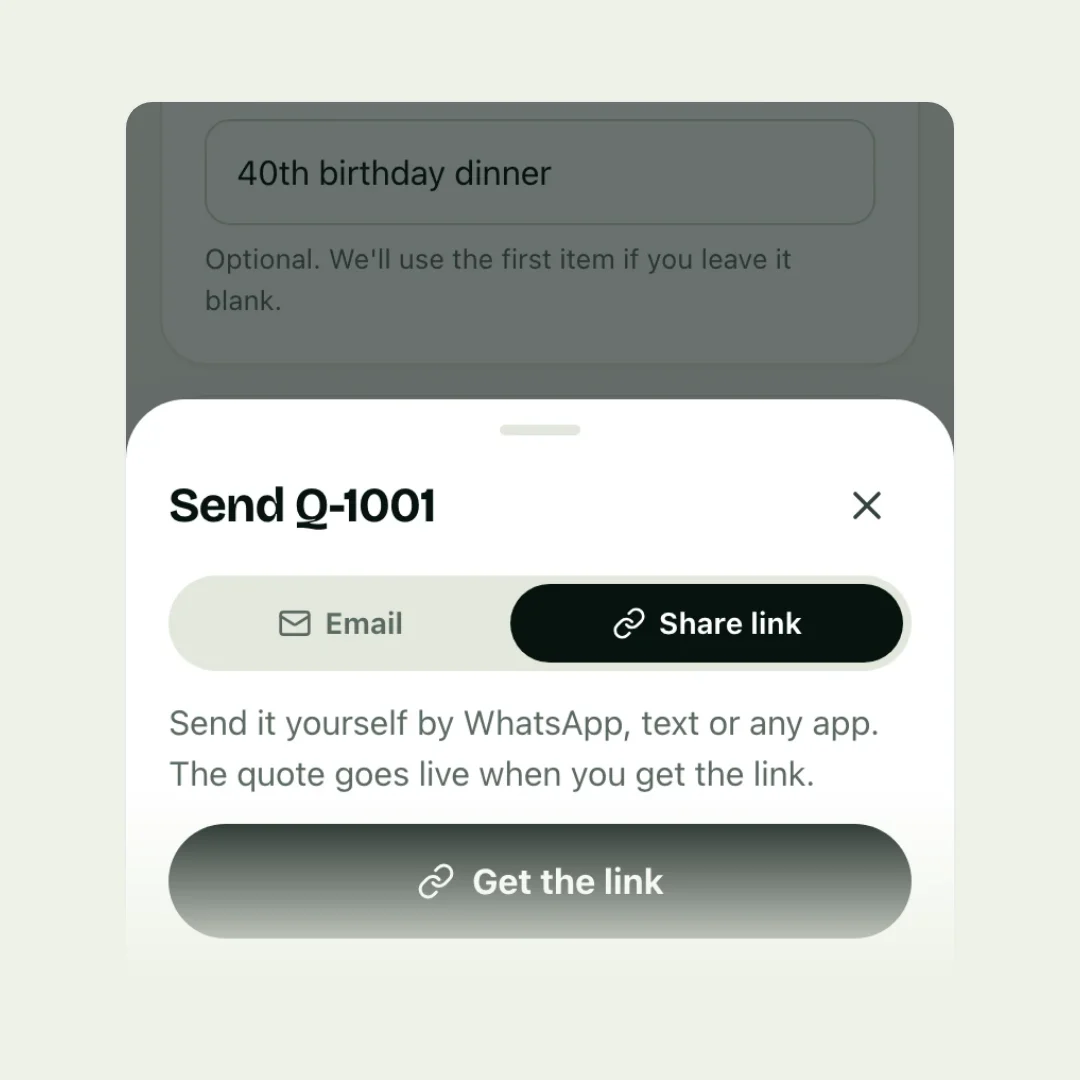
Send a quote to a client the same day you see the job, as a link they can open on their phone, using the way they contacted you: email, WhatsApp or text. Write two or three lines with it, make accepting one step, and put the deposit on the quote so they can pay it there and then. Then follow up in two or three days if you haven’t heard.
Send it the same day
Customers rarely ask just one business. In a survey of over 1,000 US homeowners by ArcSite, a software company, 95% said they get more than one bid, and 28% expected a quote on the spot or the same day. The first clear, professional quote they receive sets the standard the others are judged against.
If you can’t price it today, say when you will: “You’ll have it by tomorrow lunchtime.” Then keep to it.
A link beats an attachment
Most quotes are opened on a phone. PDFs are made for paper: on a small screen they mean zooming and scrolling, and usability researchers have long recommended web pages over PDFs for reading on screen. A link opens a page made for the phone, and it can do things a file can’t:
- the customer can tick optional extras and see the total change;
- they can accept and pay the deposit on the same page;
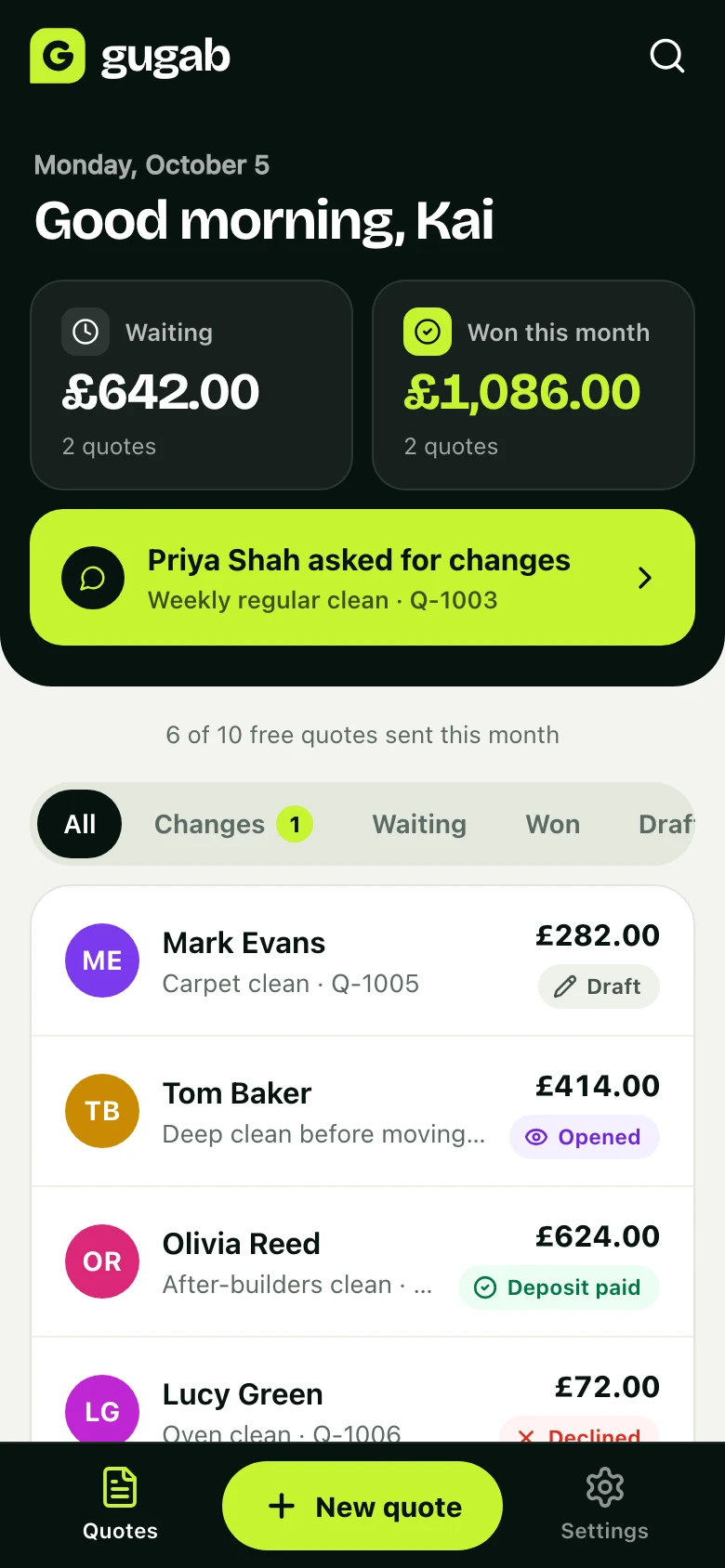
- you can see when they have opened it;
- if you change the quote, the same link shows the new version.
Offer a PDF too for customers who want one for their records.
Email, WhatsApp or text?
| Channel | Best for | Tip |
|---|---|---|
| Businesses, bigger jobs | A clear subject: “Your quote for the garden” | |
| Homeowners, quick jobs | Short message, link on its own line | |
| Text | Customers who rang you | Say who you are first |
The rule is simple: reply the way they reached you. If they rang, text the link straight after the call while it is fresh.
What to write with the quote
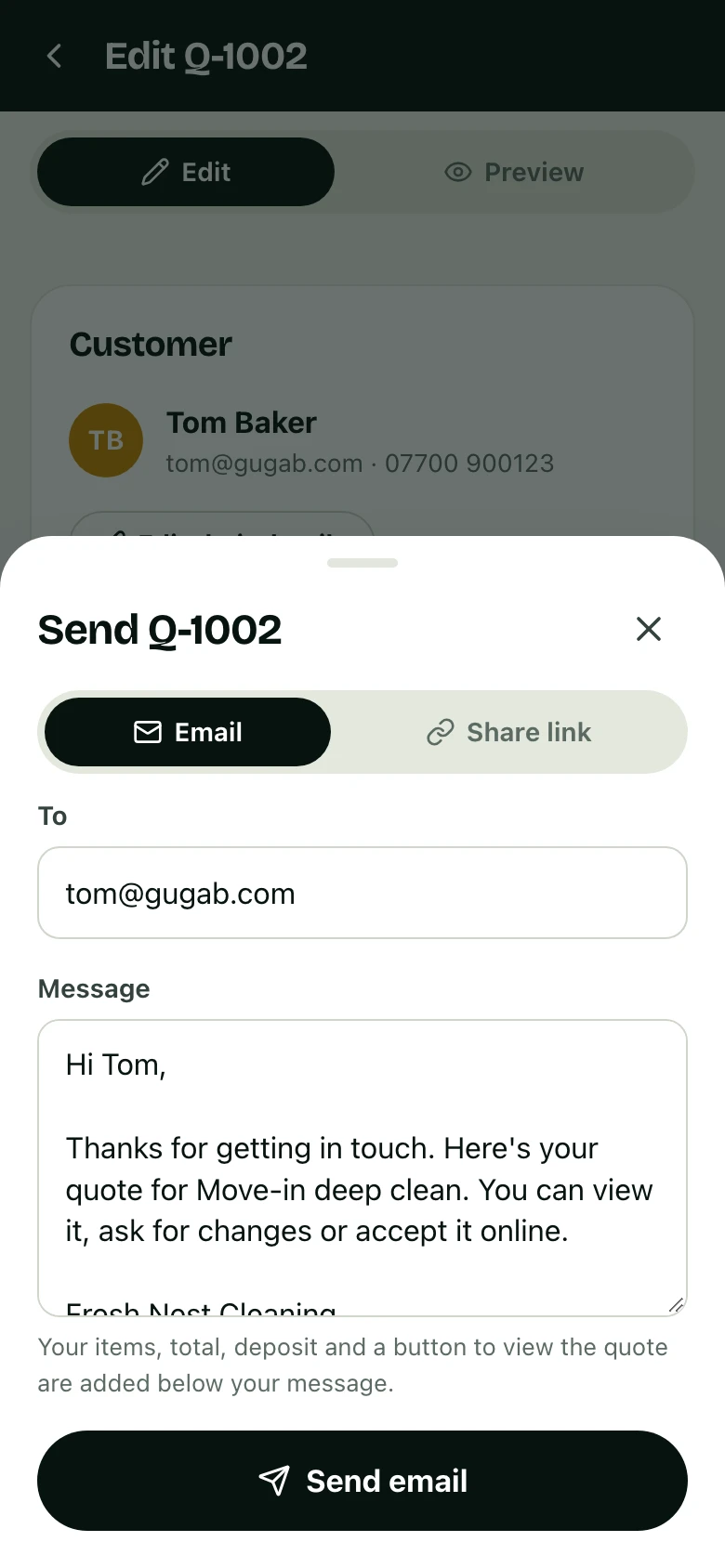
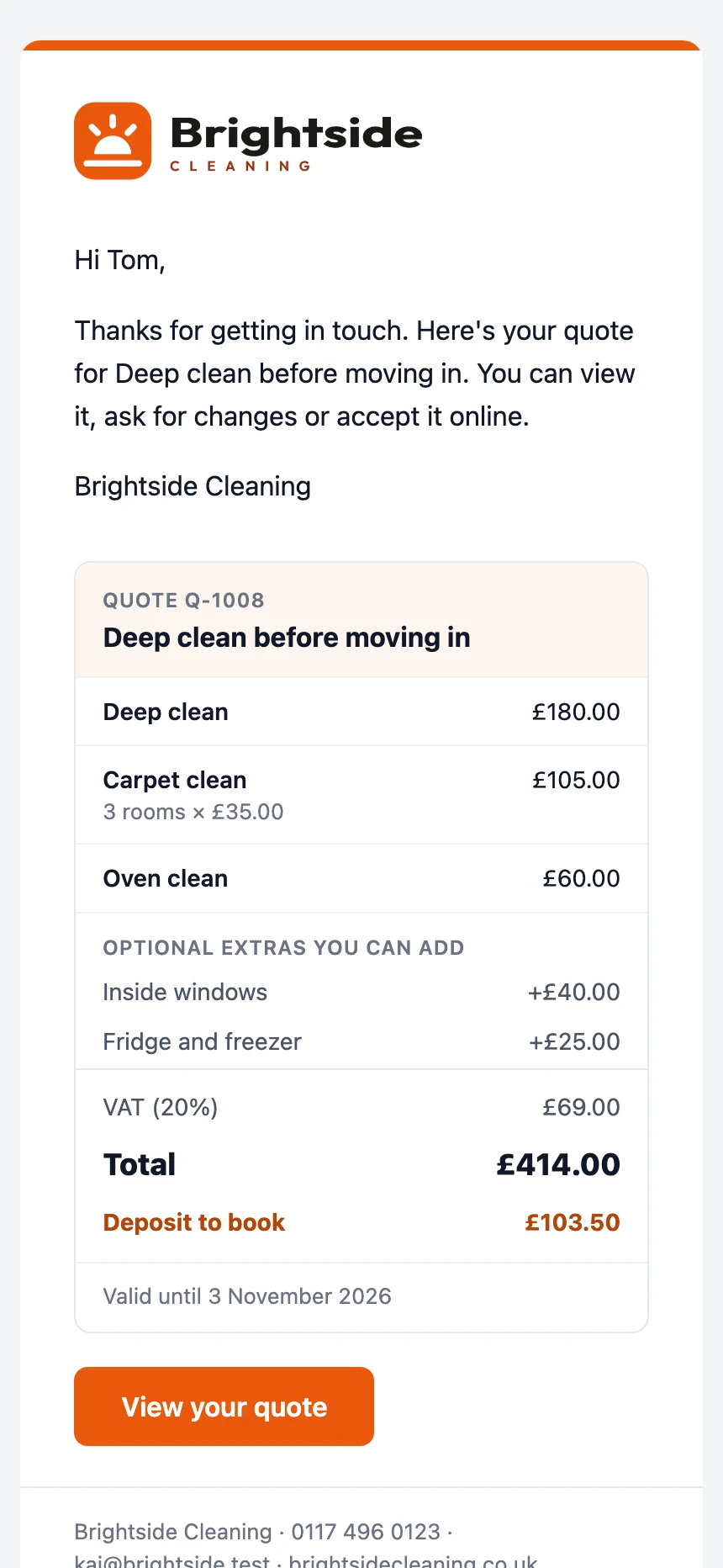
Keep the message short. The detail belongs in the quote.
Make saying yes one step
Every extra step between reading the quote and accepting it loses you work. “Reply to this email, then I’ll send bank details, then transfer the deposit” is three steps where the customer can stop. One page where they accept by typing their name and pay by card is one.
Put the deposit on the quote, with the amount in money, so paying it is part of saying yes rather than a separate request.
After you send it
- Check it arrived: if they haven’t opened it in a day, resend the link by text or WhatsApp.
- Follow up in two or three days with one helpful question. See how to follow up on a quote for wording.
- Remind them before it expires, and close the loop politely if they go quiet.
Common mistakes
- Sending days later, after someone else has said yes.
- A file named “quote.pdf” with no message, from an address they don’t recognise.
- A long email that repeats the quote.
- No next step, so the customer “has a think”.
- Bank details in a separate email after they accept.
The easy way: send, accept and pay from one link
| By hand | With Gugab | |
|---|---|---|
| Sending | Save a PDF, attach it | Email it, or share the link in one tap |
| On their phone | Pinch and zoom | A page made for the phone |
| Opened? | Unknown | You are told |
| Accepting | A reply or a call | One tap, and their name |
| Deposit | Bank details, then checking | Paid by card on the spot |
Questions people ask
Should I send a quote by email or WhatsApp?
Use whatever the customer used to contact you. Email suits longer jobs and businesses; WhatsApp and text are read quickly and suit homeowners. A link works in all of them.
Is a PDF or a link better?
A link to a quote page opens properly on a phone, can be accepted there and then, and tells you when it is opened. A PDF keeps a fixed layout, which some customers want for their records, so a quote page with a PDF to download gives them both.
How quickly should I send a quote?
The same day, or the next morning. In one survey of US homeowners by a software company, 28% expected a quote on the spot or the same day, and 95% got more than one.
What should I write in the email with the quote?
A short thank you, one line on what the quote covers, how to accept, and an offer to answer questions. Keep the detail in the quote itself.
How do I know if they have read it?
Quote apps that send a link can tell you when it is opened. With an attachment you can't know.