Small businesses quote with one of three kinds of tool: a template, the quotes in their accounting software, or a job-management app that does quotes along with scheduling, timesheets and invoicing. Templates are free but do nothing for you. Accounting software quotes well enough but was built for the books. Job-management apps do the most, and charge for it. A simple quoting app sits between them: quotes customers accept and pay from one link, without the rest.
Three kinds of quoting tool
| Kind | Good at | Watch out for |
|---|---|---|
| Templates | Free, familiar | Everything else by hand |
| Accounting software | Quotes that become invoices in your books | Few tools for winning the job |
| Job management | Scheduling, teams, timesheets, the lot | Price, and time to set up |
| Simple quoting app | Quote, yes and payment in one link | Not built for scheduling crews |
The apps, side by side
Prices are the lowest listed on each company’s own site on 5 October 2026, before tax. Some are per user, some billed yearly. Check the current page before you choose.
| App | Built for | From |
|---|---|---|
| Jobber | Home services with teams | US$29 a month, billed yearly |
| Tradify | Trades | £34 per user a month |
| ServiceM8 | Trades, iPhone first | Free for 30 jobs a month; £25 a month |
| Quotient | Quotes only | £21 a month, 100 quotes |
| Xero | Accounting | £18 a month after an introductory offer |
| QuickBooks | Accounting | £16 a month after an introductory offer |
| Square Invoices | Card payments, invoices | Free; Plus £20 a month |
| HoneyBook | Creatives | US$29 a month, billed yearly |
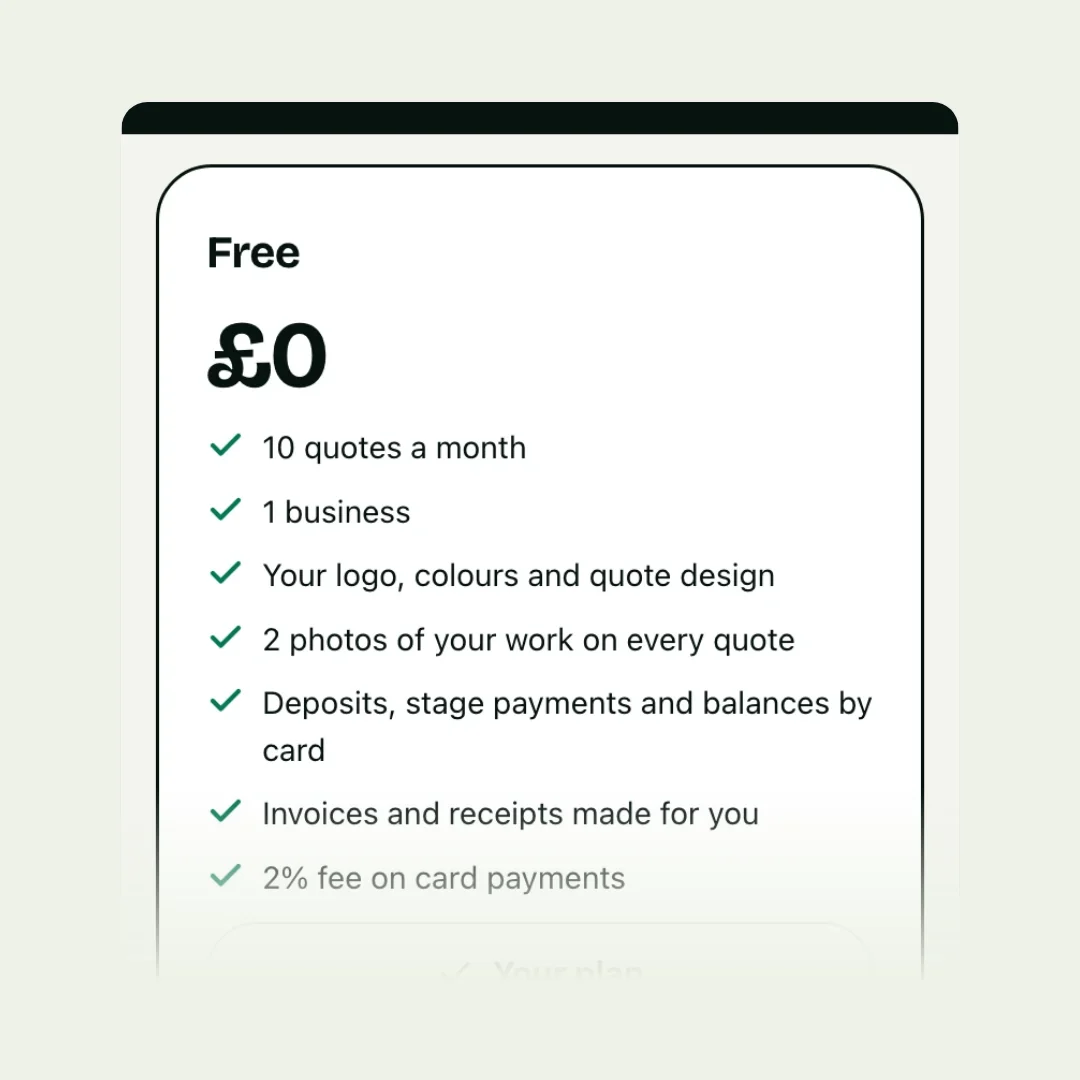
| Gugab | Quotes, yes and payment in one link | Free for 10 quotes a month; Pro £15 a month |
What you pay for extras, deposits and follow-ups
Most of these tools let customers accept a quote online. The features that win more of the work, letting the customer pick options, taking the deposit when they accept, and following up for you, are where plans differ. From each company’s own pages:
- Jobber: customers can approve a quote and pay a deposit; optional line items are on the Grow plan (US$149 a month, billed yearly), automatic follow-ups from the Connect plan (US$99 a month, billed yearly).
- Tradify: quote options, online acceptance and reminders are on Pro, £37 per user a month.
- ServiceM8: online acceptance on every plan, deposits through its own payments, and proposals with options on the Growing plan, £59 a month. Its Android app was in beta when we checked.
- Quotient: optional items, online acceptance and alerts when a quote is opened, from £21 a month for 100 quotes.
- Xero: customers can accept, decline or comment on a quote. An alert when a customer views a quote has been one of its users’ open requests since 2023.
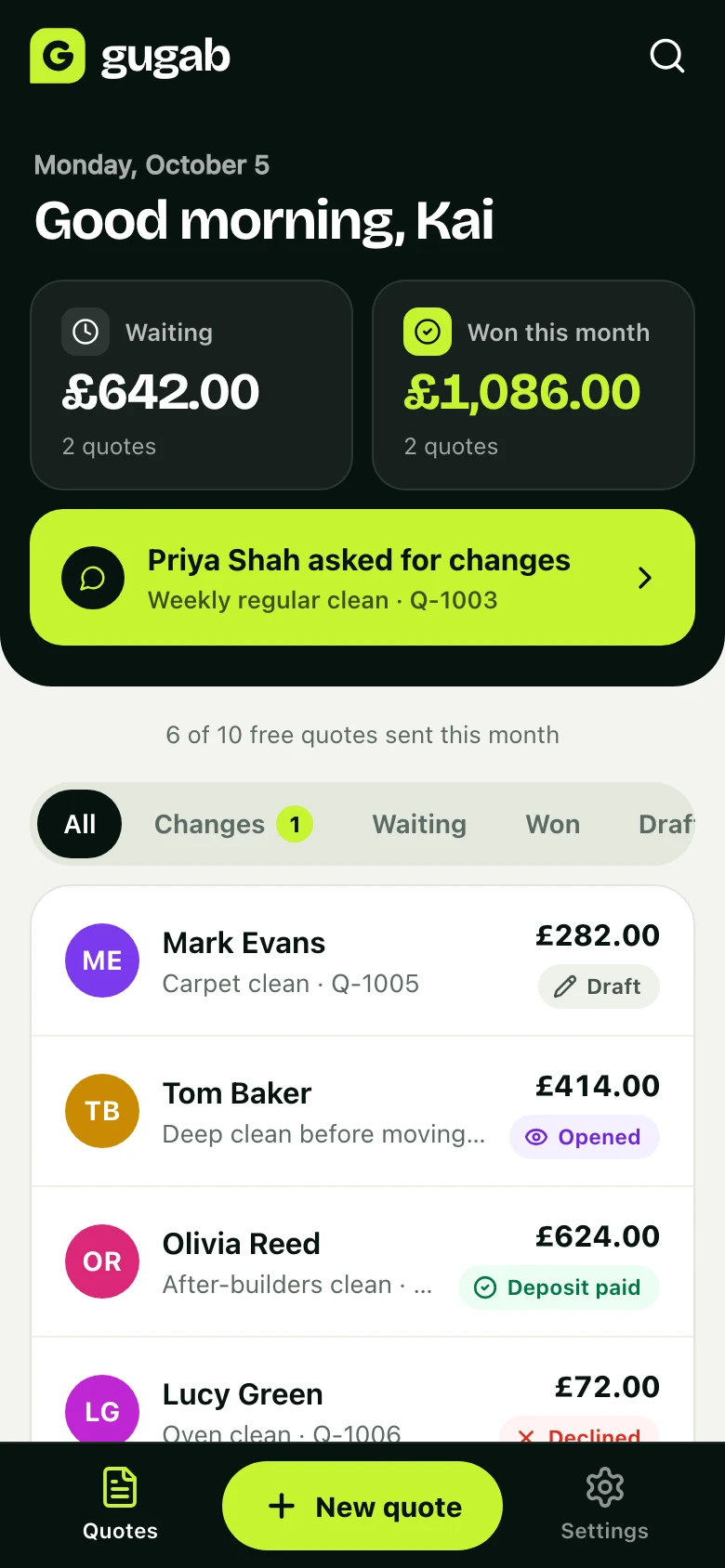
- Gugab: optional extras, acceptance by name and card deposits on every plan, including Free; you are told when a quote is opened; automatic follow-ups and payment reminders on Pro, £15 a month. A small fee applies to card payments.
Which should you pick?
Pick a job-management app if
- you schedule a team, track their time or dispatch jobs;
- you want quoting, job sheets, invoicing and customer history in one big system;
- you are happy to pay per user and spend time setting it up.
Quote from your accounting software if
- most of your quotes go to businesses who expect a formal document;
- having the quote become an invoice in your books matters more than winning it faster.
Pick a simple quoting app if
- you mainly need to quote, get the yes and get paid;
- you quote from your phone, between jobs;
- you want customers to tick extras, accept and pay the deposit without a phone call;
- you want to start free and be sending quotes today.
Stay with a template if
you send the odd quote to people who know you. See what templates can’t do for when that changes.
Questions to ask before you choose
- Can the customer accept on their phone without an account or an app?
- Can they tick optional extras and see the total change?
- Can they pay the deposit by card when they accept, into my own account?
- Will I know when they open the quote?
- Are follow-ups and payment reminders sent for me, and on which plan?
- What does it cost with the features I actually need, per user and per month?
- Can I take my data with me if I leave?
The easy way: try it with a real quote
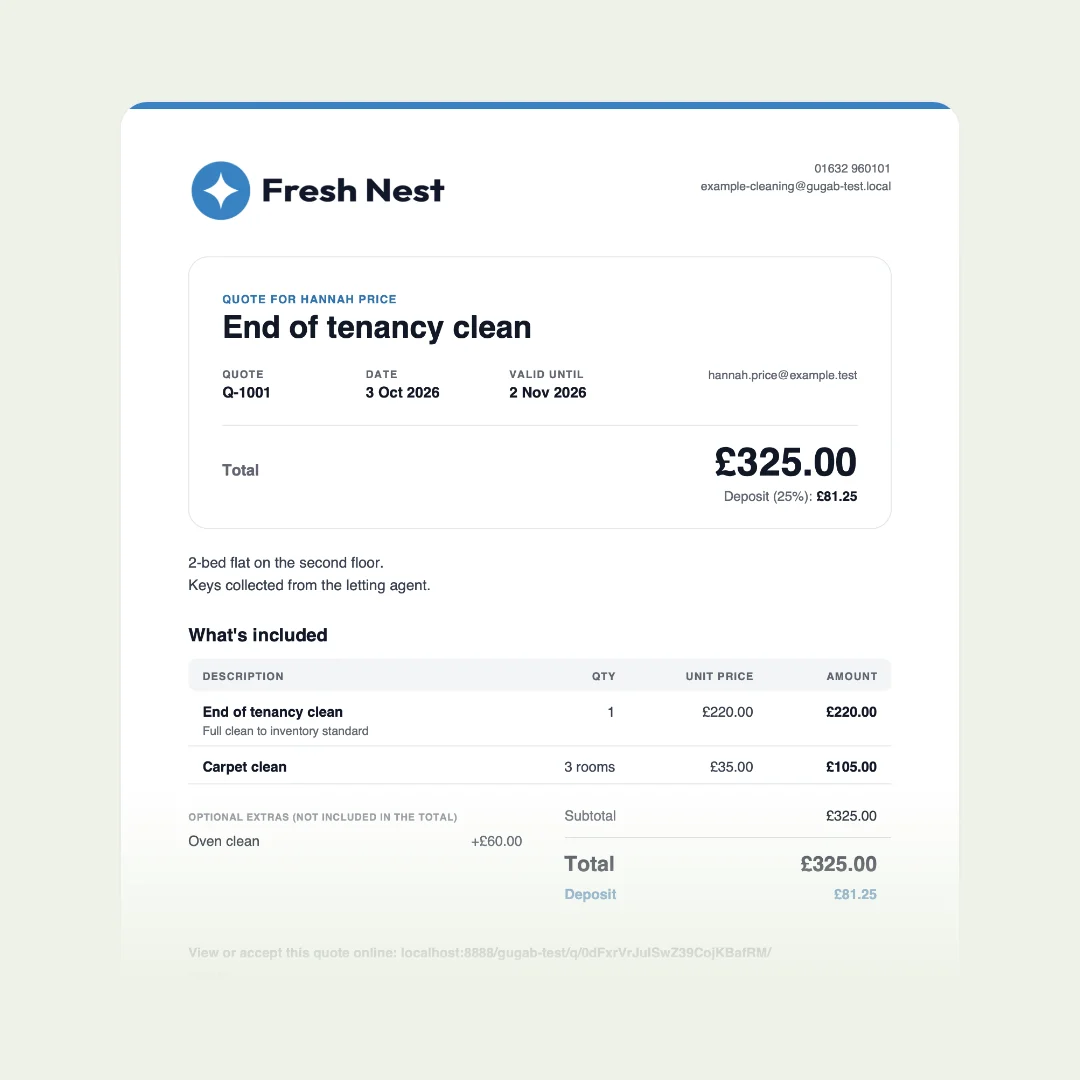
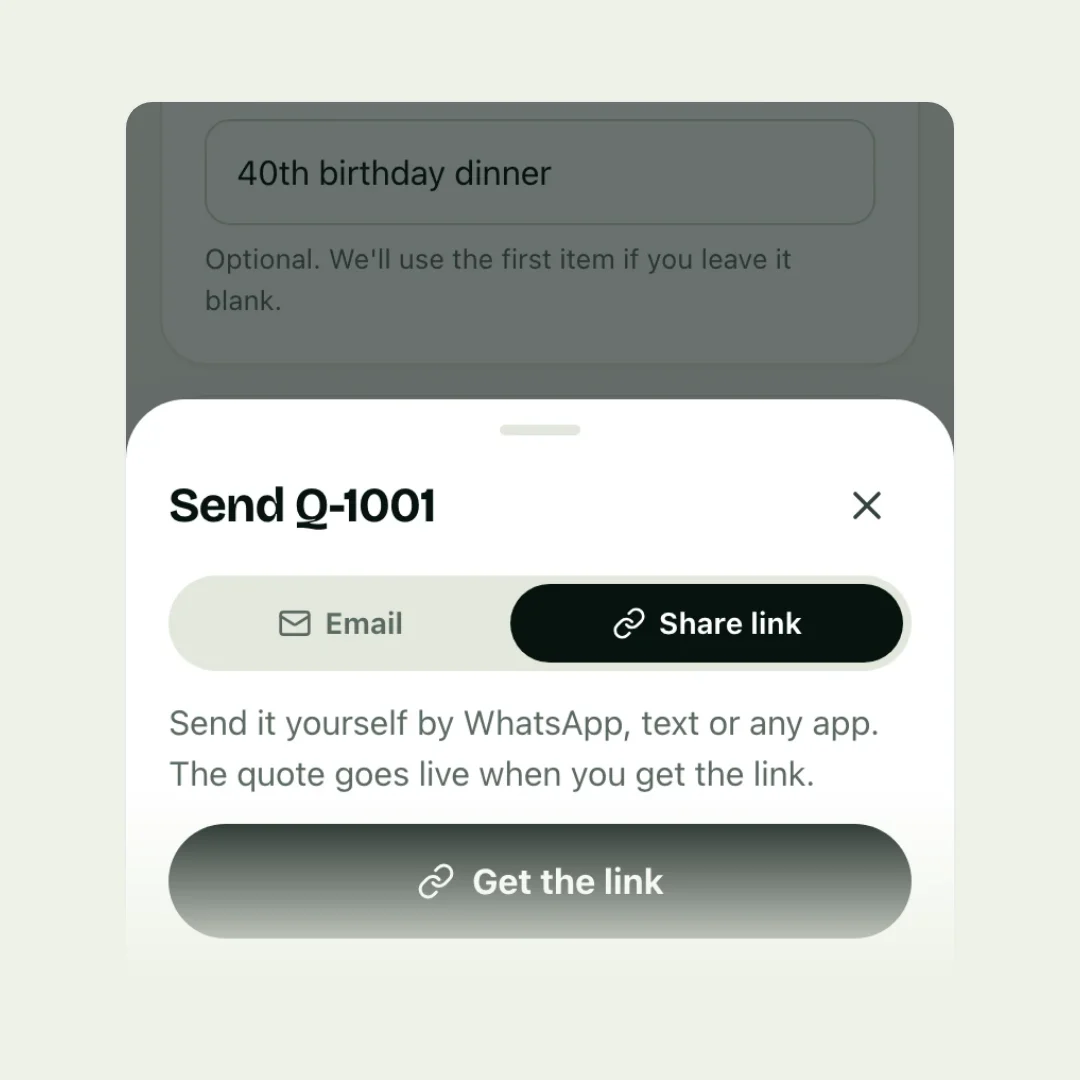
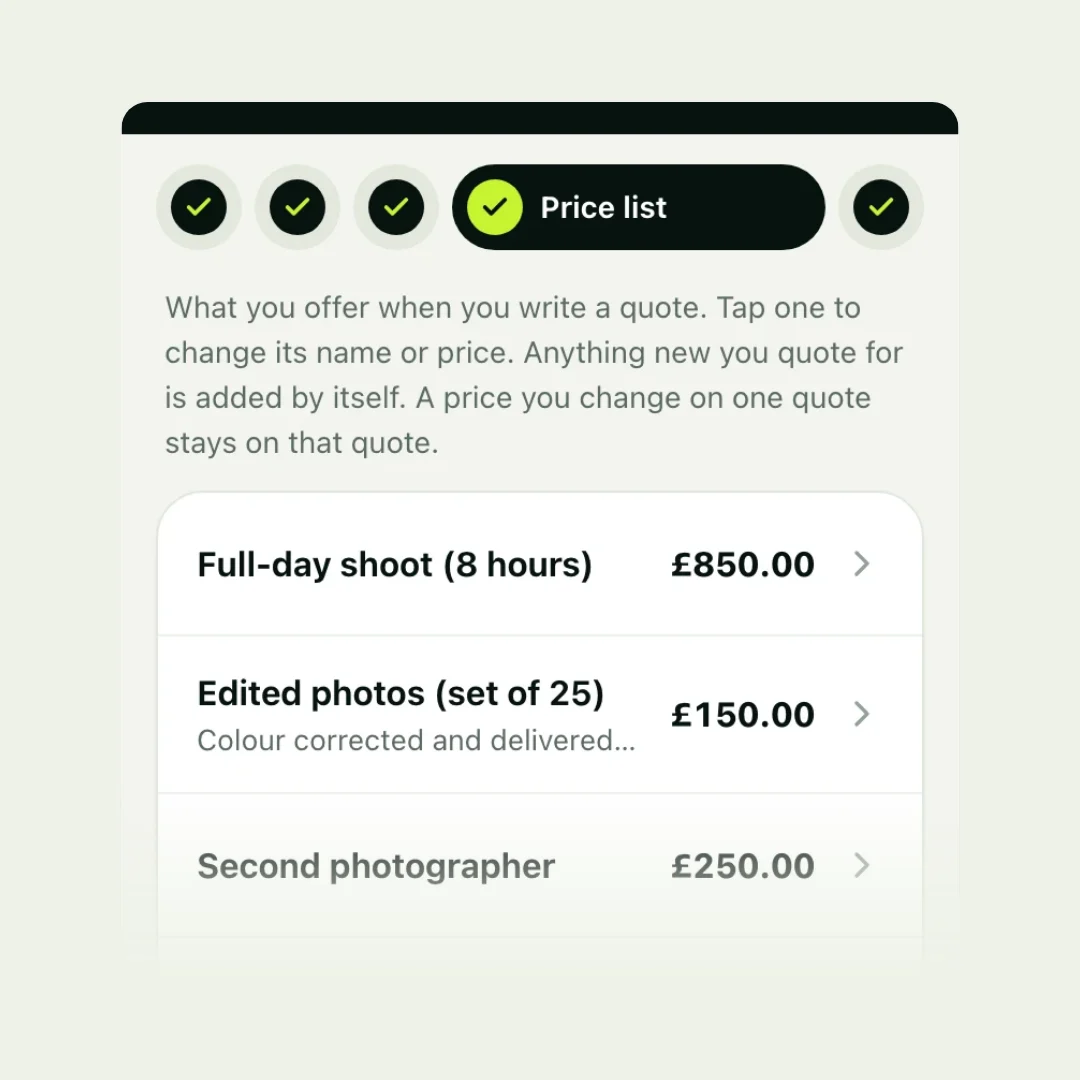
The quickest test of any quoting tool is to send yourself a real quote and open it on your phone. With Gugab that takes a couple of minutes: sign up, pick your kind of work, and your services and prices are ready. Open the link as your customer would, tick an extra, accept, and see what you would be told.
Questions people ask
What is the best quoting app for a small business?
It depends on what you need beyond quotes. For scheduling and teams, job-management apps such as Jobber, Tradify or ServiceM8 are built for it. For quoting, acceptance and payment in one link, a simpler app costs less and takes minutes to learn.
Is there a free quoting app?
Several have free plans with limits. Gugab is free for 10 quotes a month, with online acceptance and card deposits. ServiceM8 has a free plan for 30 jobs a month. Zoho Invoice and Square Invoices have free plans too.
Can I quote in my accounting software?
Yes: Xero and QuickBooks both do quotes, and customers can accept them online. They are built for accounts first, so things like opened alerts and customer-picked options are limited or missing.
Do I need an app on my phone?
Not with every tool. Some work in any browser and can be added to your home screen; some job-management apps are built around their own phone app.
How did you check these?
From each company's own pricing and help pages on 5 October 2026. Where we couldn't confirm a feature, we left it out.