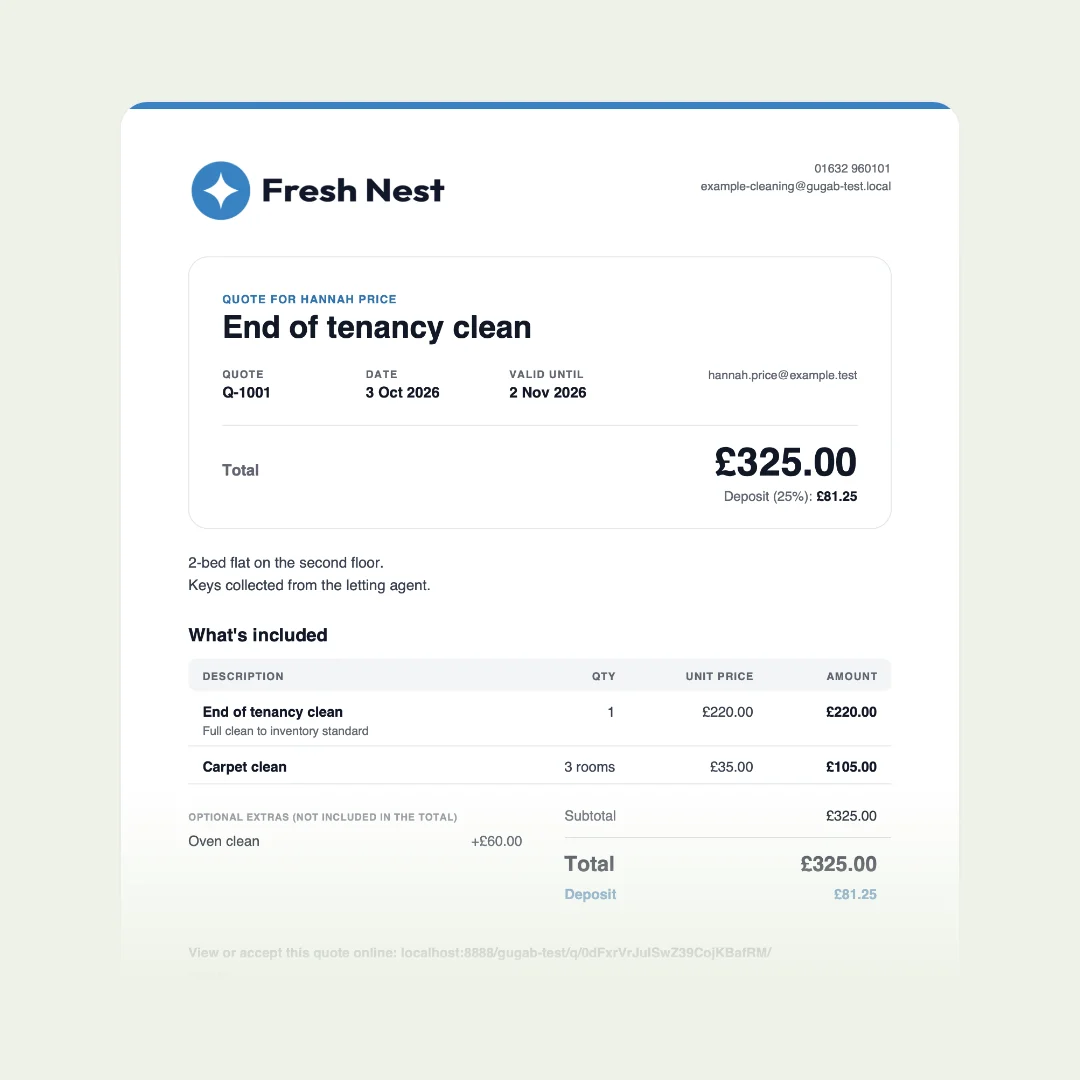
A free quote template gives you a tidy layout: your logo, the customer’s details, a table for the items and a space for the total. What it doesn’t do is the rest of the job: work out the totals, send the quote, tell you when it has been read, or let the customer say yes and pay the deposit. For the odd quote, a template is fine. If you quote every week, that rest of the job is where your time and your work go.
A free quote template to copy
If you only need a template, here is one. Download it for Word or Google Docs, or copy it as text, and fill in the brackets.
logo
[Your business name]
[phone] · [email]
[tax or registration number, if you need one]
QUOTE
Prepared for
[Customer name]
[Job address]
The job
[Job title, in the customer's words]
[What you will do, where and when]
| Item | Qty | Price | Total |
|---|---|---|---|
| [Item] [What it covers] | [1] | [price] | [total] |
| [Item] [What it covers] | [1] | [price] | [total] |
| [Item] | [1] | [price] | [total] |
| Optional: [extra] Add it if you want it | + [price] |
- Subtotal
- [amount]
- [Tax name and rate]
- [amount]
- Total
- [amount]
- Deposit to book
- [amount]
Not included
[Anything the customer might assume is included]
Terms
Valid until the date above. Booked once the deposit is paid; the rest is due [on completion]. Changes agreed before extra work is done.
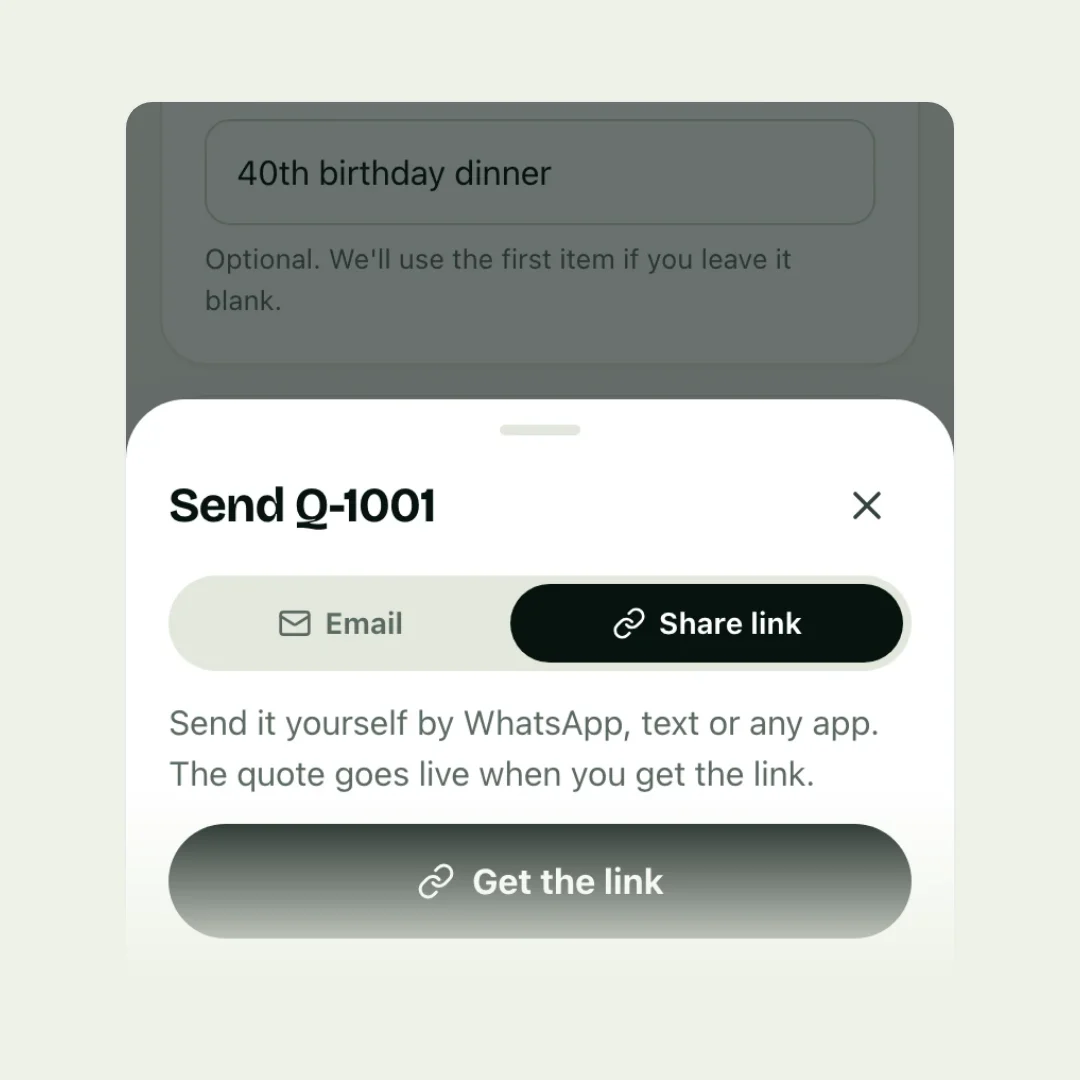
Rather not fill in the brackets? In Gugab this same quote fills itself in: your logo and details, your prices, the sums and the deposit, and your customer accepts it on their phone. Make it free
For what each part is for, and a worked example, see how to write a quote for a job.
Where quote templates come from, and what they cost
| Where | Cost | What you get |
|---|---|---|
| Word or Excel | Free | A document to fill in; Excel can add up lines |
| Canva | Free | Designed layouts, sent as a PDF or image |
| Etsy | Mostly £1 to £5 | Editable files; spreadsheets with sums cost more |
| Invoicing sites | Free | A form that makes a PDF |
Etsy prices are what we saw on 5 October 2026, and include sale prices.
Five things a template can’t do
1. Do the sums for you
Quantities, line totals, tax and the deposit are typed and checked by hand, every time. One wrong figure and you either lose money or have an awkward conversation.
2. Look right on a phone
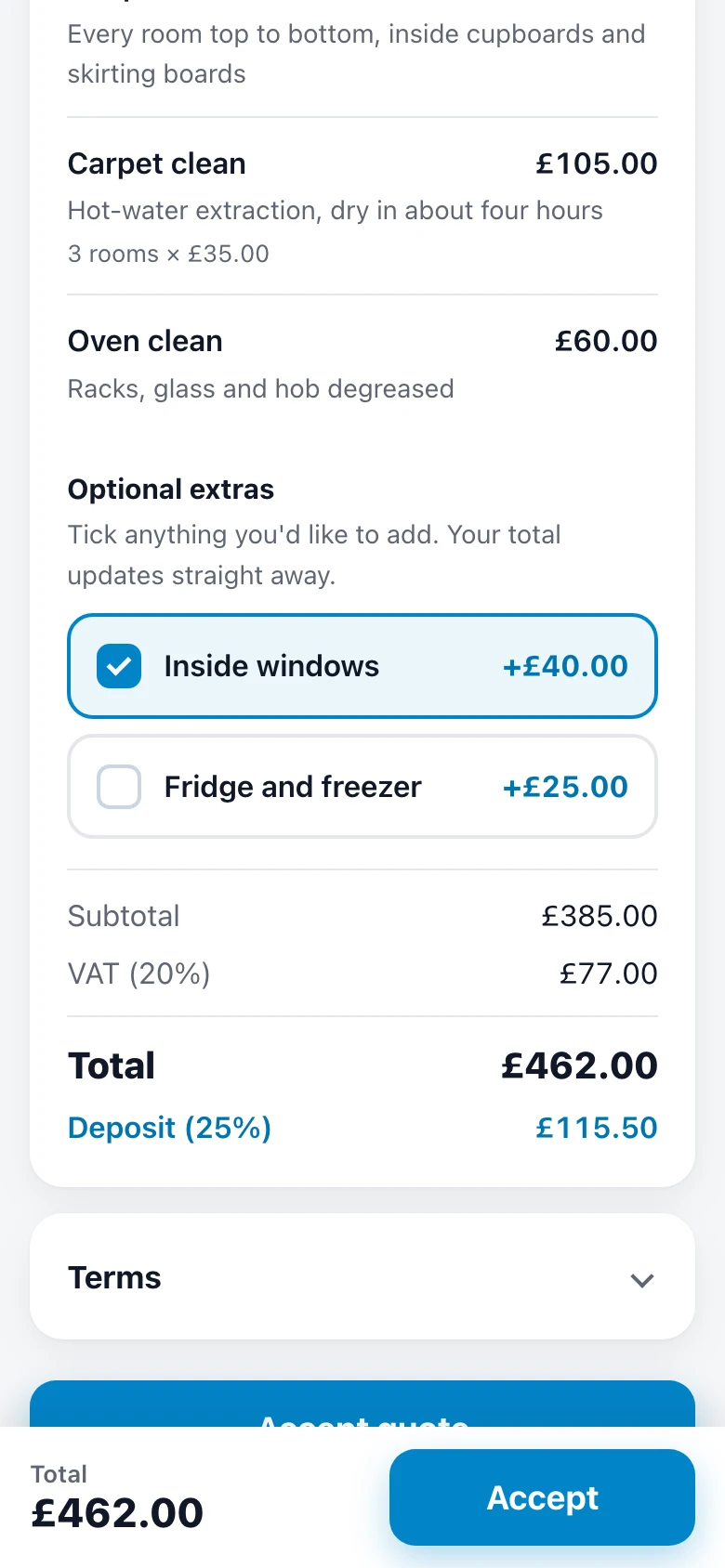
Most customers open quotes on their phone. A PDF made for paper means pinching and scrolling; a quote page made for a phone is simply read.
3. Tell you it has been read
Once a PDF is attached, you have no idea whether it was opened today or is sitting unread. So you either chase too soon or not at all. Accounting tools have the same gap: users of one popular package have been asking it for a “viewed” alert since 2023.
4. Take the yes and the deposit
With a template, accepting means a reply or a phone call, then you send bank details, then you check for the money. Every step is a chance for the customer to put it off.
5. Keep track of where every quote stands
Templates live in a folder of files: “quote final”, “quote final 2”. Which ones were accepted? Which deposits came in? Which have expired? You end up keeping a second list to know.
Template, or interactive quote?
| Template | Interactive quote | |
|---|---|---|
| Totals and tax | Typed and checked | Worked out as you add items |
| On a phone | A PDF to pinch and zoom | A page made for the phone |
| Extras | Listed; customer rings to add | Ticked by the customer |
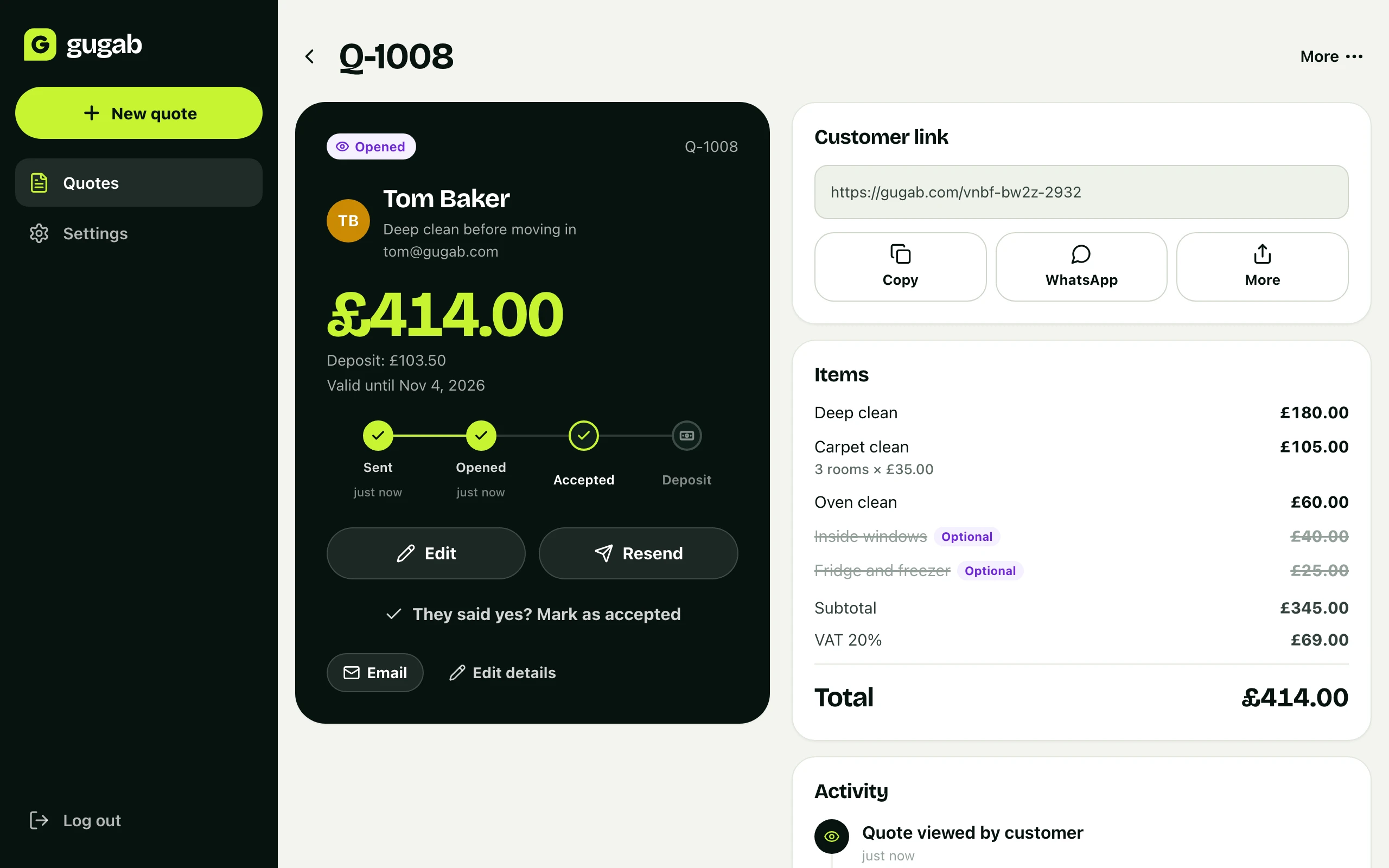
| Opened? | Unknown | You are told |
| Accepting | A reply or a call | One tap, and their name |
| Deposit | Bank details and checking | Paid by card on the spot |
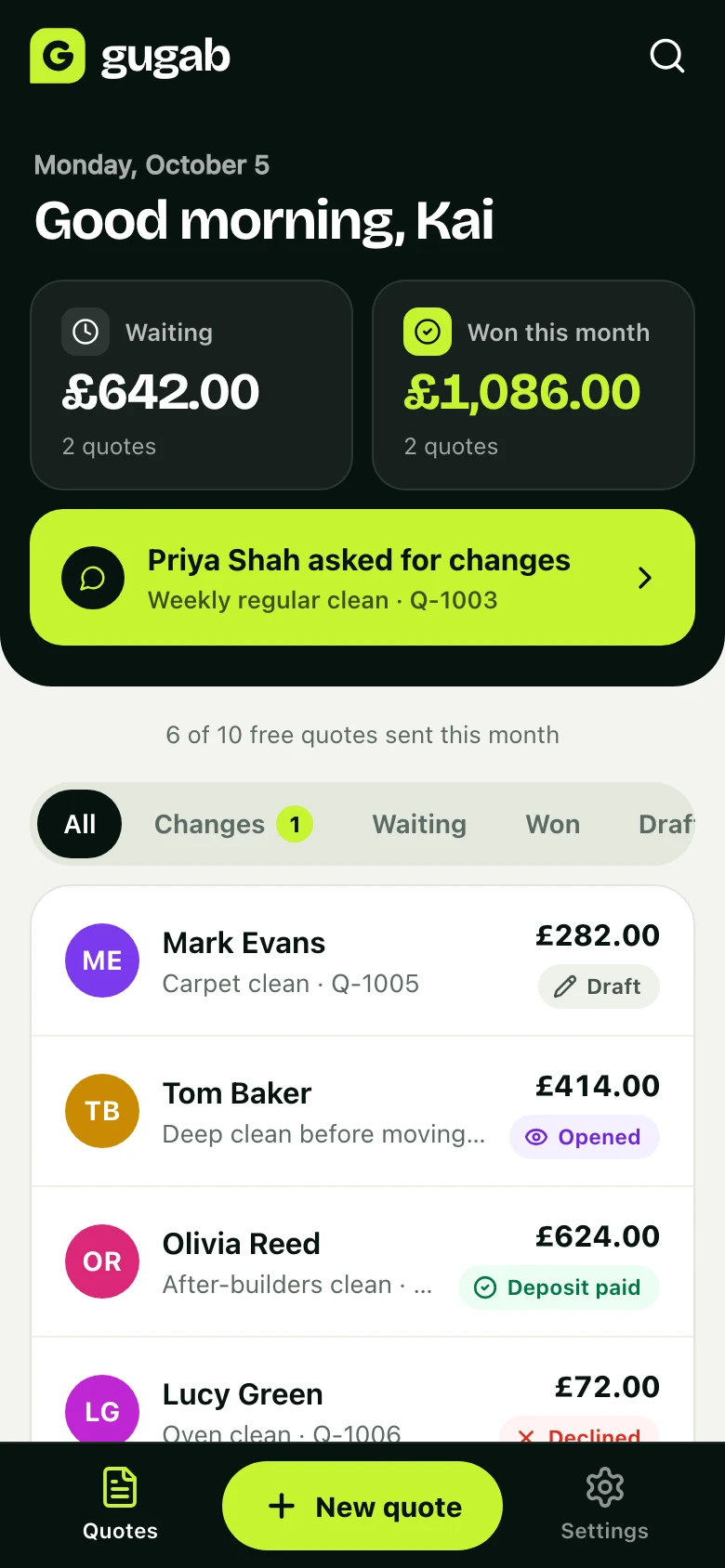
| Where things stand | A folder of files | One list, with each quote’s status |
When a template is all you need
Be honest about it: if you send a quote a month, to customers who know you, and they pay by bank transfer without fuss, a good template is enough. It costs nothing and you already know how to use it.
Switch when any of these are true: you quote every week, customers go quiet after you send, you chase deposits, or you lose track of which quotes are still open.
Common mistakes with templates
- Forgetting to update the date and number when copying last week’s quote.
- Totals that don’t match the lines after a late change.
- Sending an editable file, which the customer can change.
- No end date, so old prices come back months later.
- No way to accept except “let me know”.
The easy way: quotes that do the rest of the job
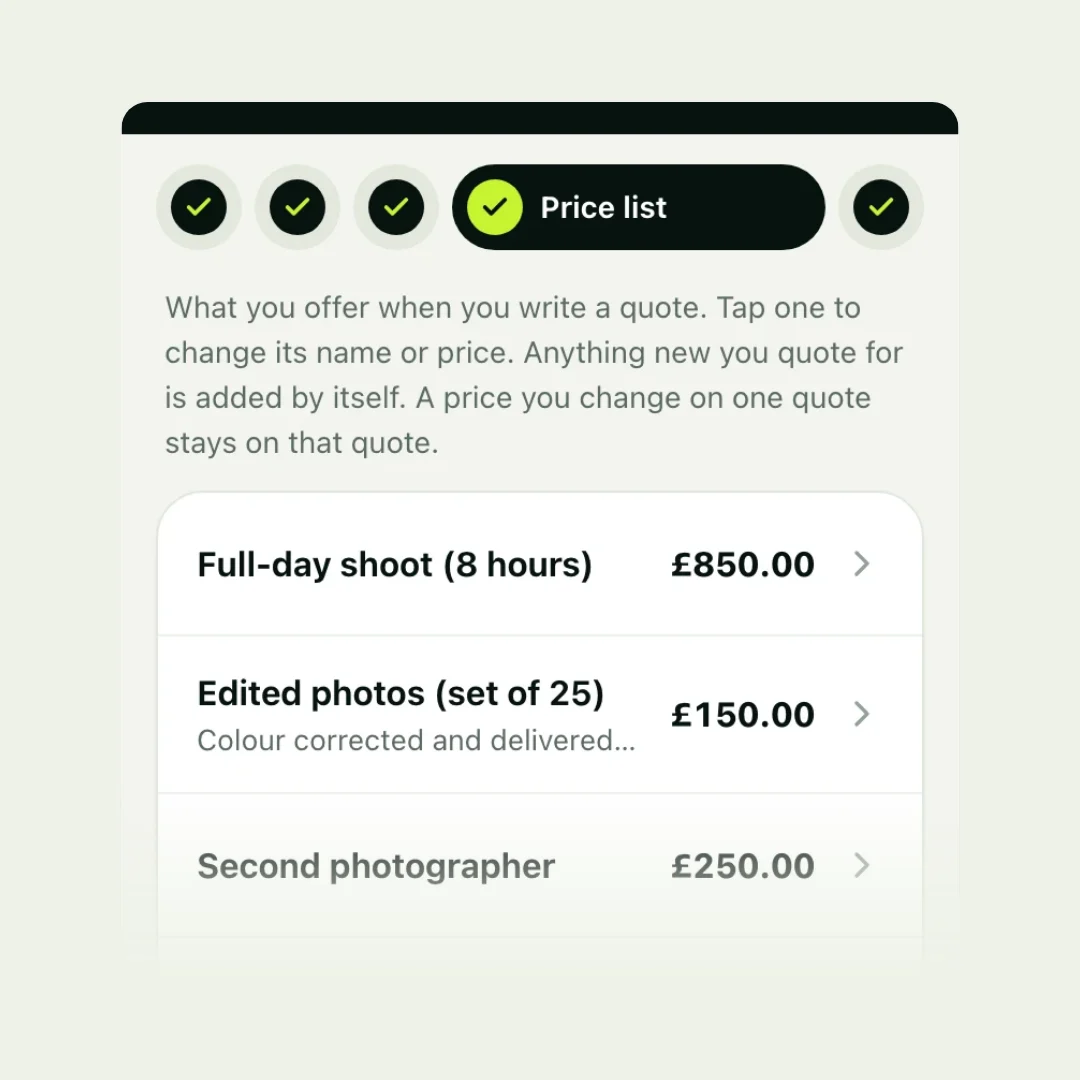
Gugab is free to start. Your services and prices for your kind of work are ready when you sign up, so a quote is a few taps, with the totals, tax and deposit worked out. You send it as a link by email, WhatsApp or text. You are told when they open it; they tick extras, accept by typing their name and pay the deposit by card, from the same page. Every quote sits in one list with its status.
Questions people ask
Is there a free quote template I can use?
Yes: copy the one on this page into Word, Google Docs or an email. Microsoft, Canva and many invoicing sites also offer free ones.
Is a Word or Excel quote template better?
Excel can add up the lines for you if the formulas are set up; Word usually can't. Either way, check the totals and tax yourself before sending.
Should I send a quote as a PDF?
A PDF keeps your layout and can't be edited by the customer, which is why many businesses use it. But PDFs are awkward to read on a phone, and the customer still has to reply or call to accept. A link to a quote page works better on phones.
Is there a free quote app?
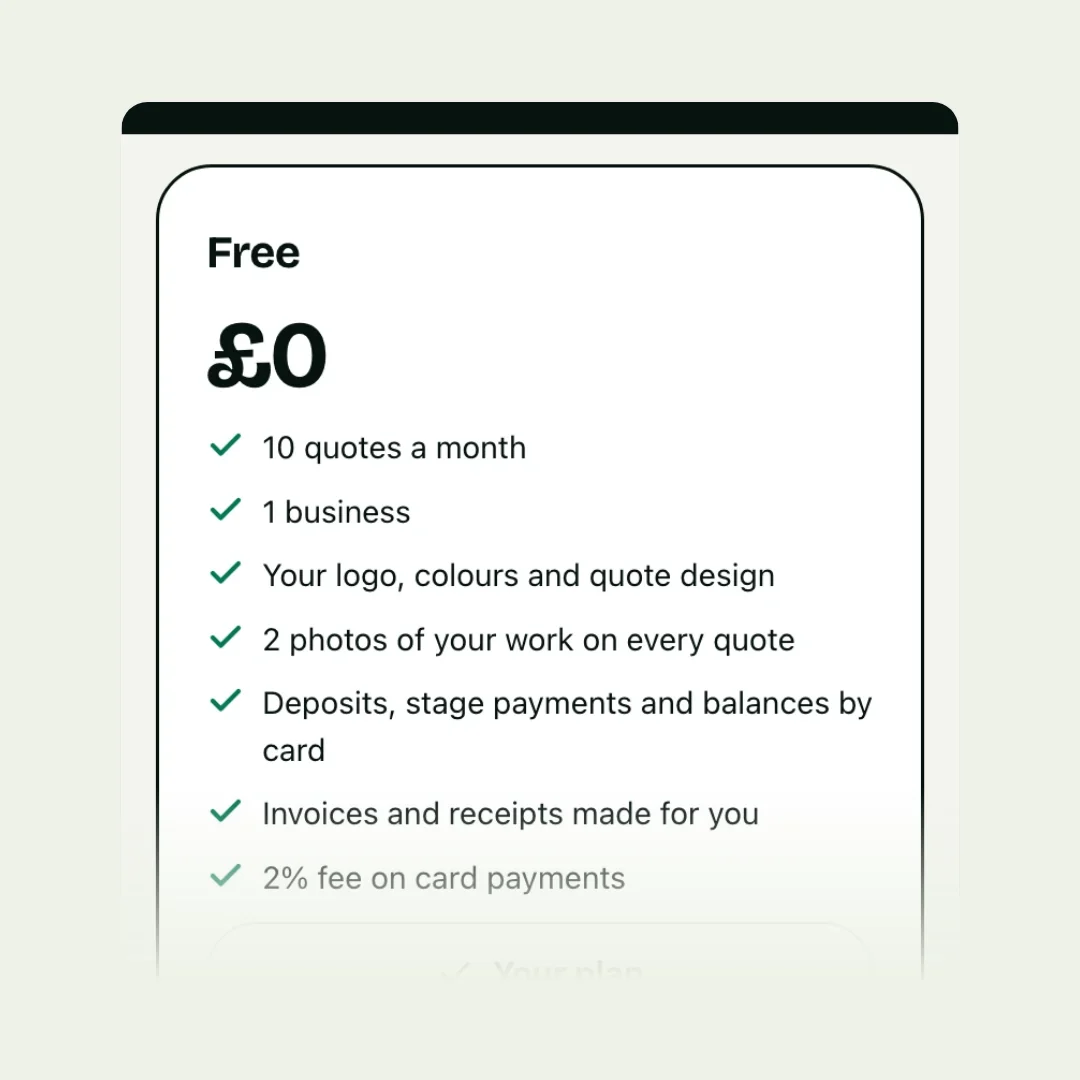
Several apps have free plans. Gugab's free plan includes 10 quotes a month with online acceptance and card deposits.
Can I use a Canva template for quotes?
Yes, for the design. You will still type the prices and totals by hand and send the result as a PDF or image.