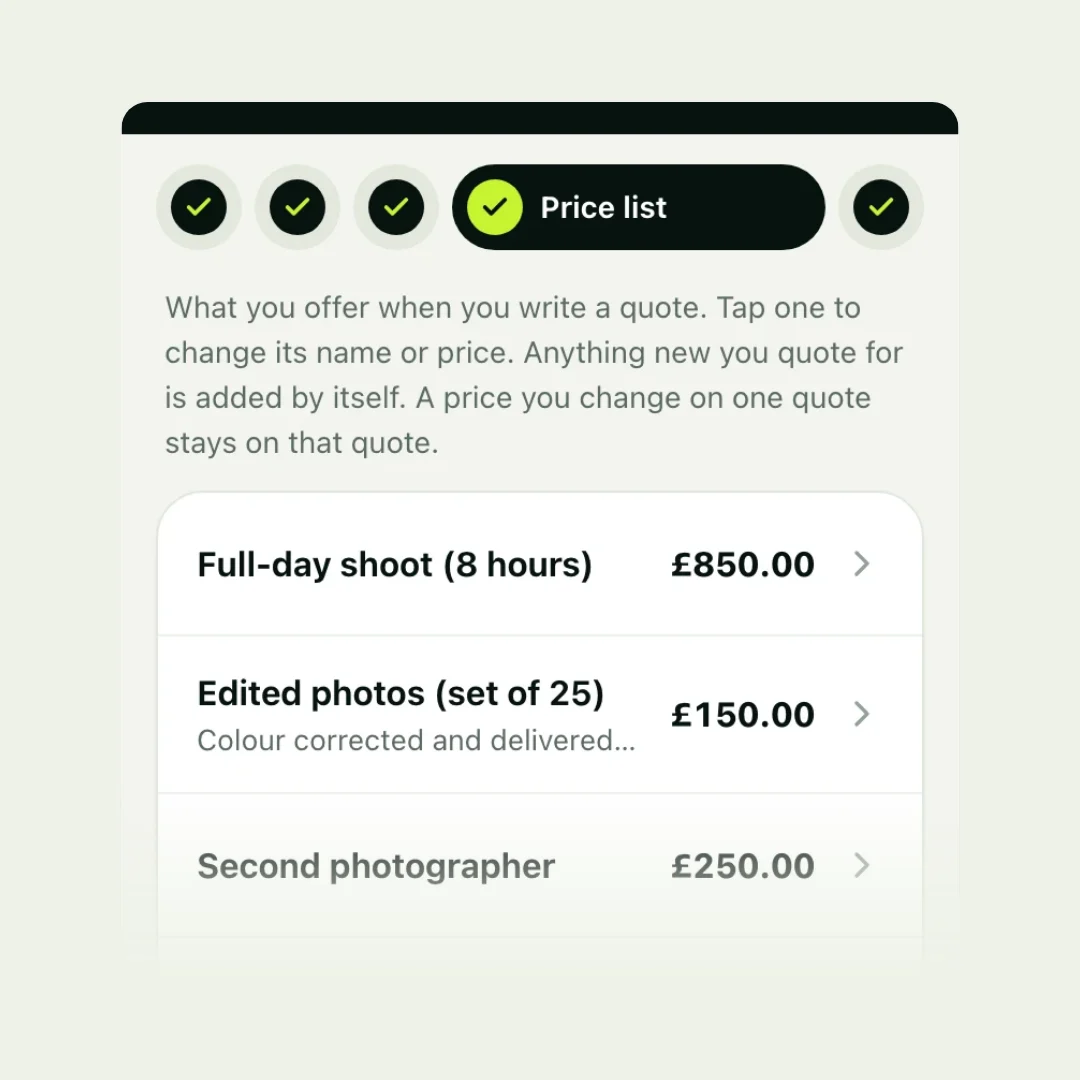
To stop writing quotes from scratch, keep a price list: every service you sell, with a short description, a price and the unit it is priced by. Writing a quote then means picking lines from the list and setting quantities, instead of typing descriptions and doing sums. Most businesses reuse the same handful of services, so a list of 10 to 30 items covers most quotes.
Why a price list saves so much time
- No retyping: descriptions are written once, well.
- No sums: quantity times price, totals and tax are worked out for you.
- Consistent prices: two customers asking for the same job get the same price.
- Quoting on the spot: on your phone, at the customer’s door, before you leave.
What to put on it
Each item needs four things:
| Part | Example |
|---|---|
| Name | Deep clean |
| Description | Every room top to bottom, inside cupboards and skirting boards |
| Price | £180 |
| Priced by | Fixed price |
Add the extras customers often ask for as items too, so you can mark them as optional on a quote.
Price by the unit you sell in
| Unit | Suits | Example |
|---|---|---|
| Fixed price | Jobs that are always the same | Oven clean, £60 |
| Per hour | Work that varies in length | Garden maintenance, £30 an hour |
| Per day | Trades and freelance work | Labour, £220 a day |
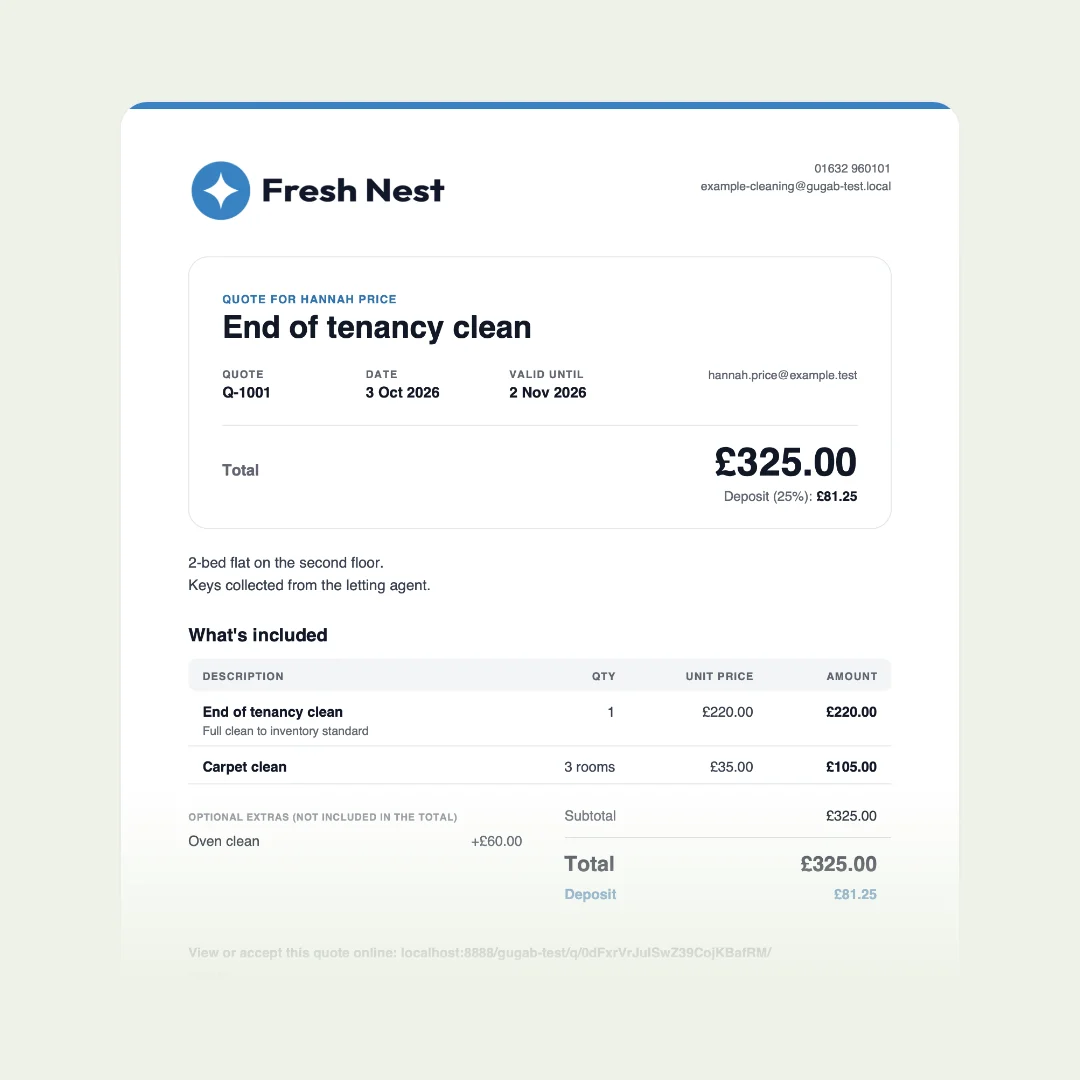
| Per room or visit | Cleaning, regular services | Carpet clean, £35 a room |
| Per square metre | Flooring, turf, painting | New turf, £18 a square metre |
| Per person | Catering, events, classes | Buffet, £25 a guest |
Example prices, to show the shape. With a unit, the quote shows “3 rooms at £35”, which customers find easier to trust than a single figure.
Write descriptions customers understand
The description goes straight onto the quote, so write it for the customer: what you do, not how you do it. “Hot-water extraction, dry in about four hours” tells them what to expect. Keep it to one line.
Keep it up to date
- Pick a review date and put it in your diary, at least once a year.
- Change prices when your costs change, not only at the review.
- Remove what you no longer offer, so it doesn’t creep back onto quotes.
- Add things as you quote them: the second time you type something, it belongs on the list.
Common mistakes
- Too many near-identical items, so picking takes longer than typing.
- Prices that never change while your costs go up.
- Descriptions in trade shorthand the customer can’t follow.
- Everything as a fixed price, when some work is really by the hour or the room.
The easy way: a price list that’s ready when you sign up
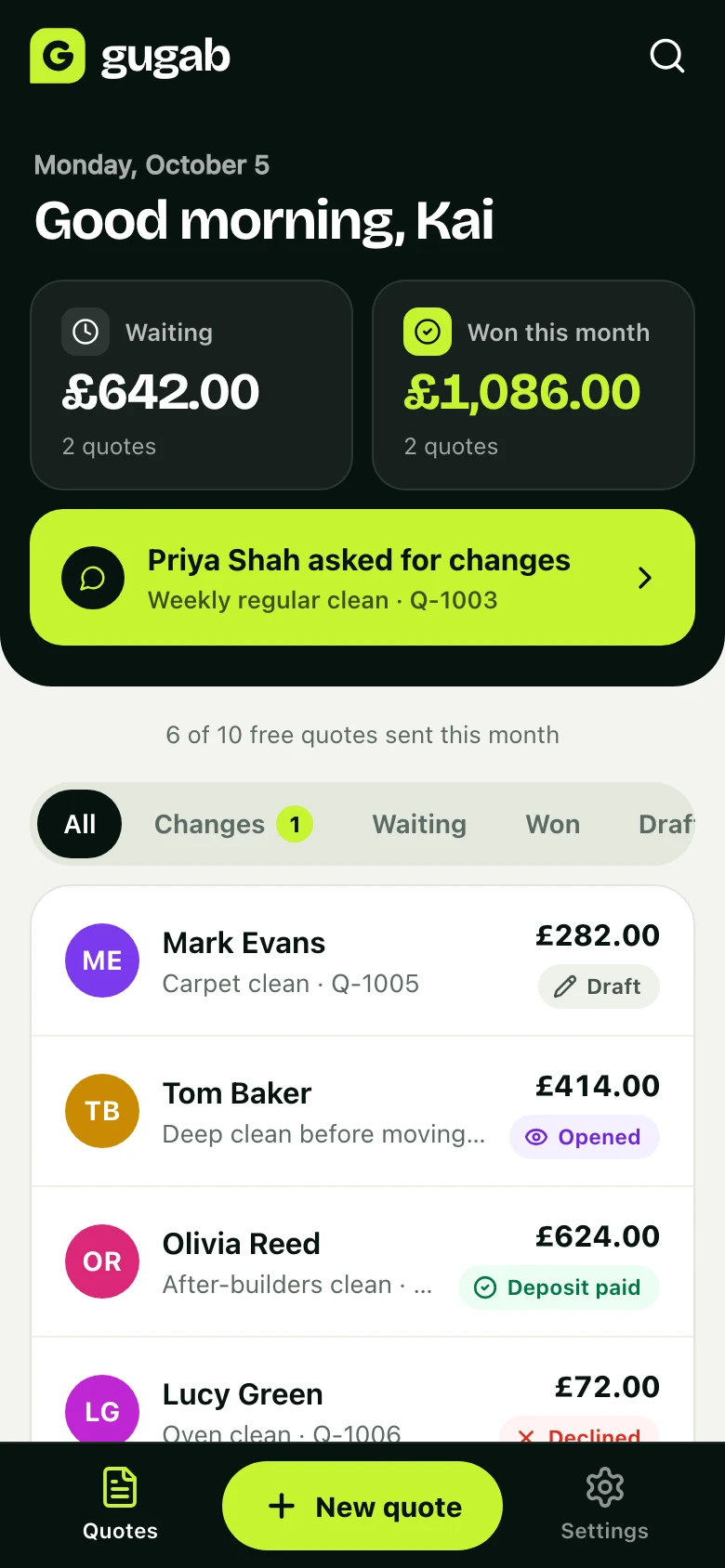
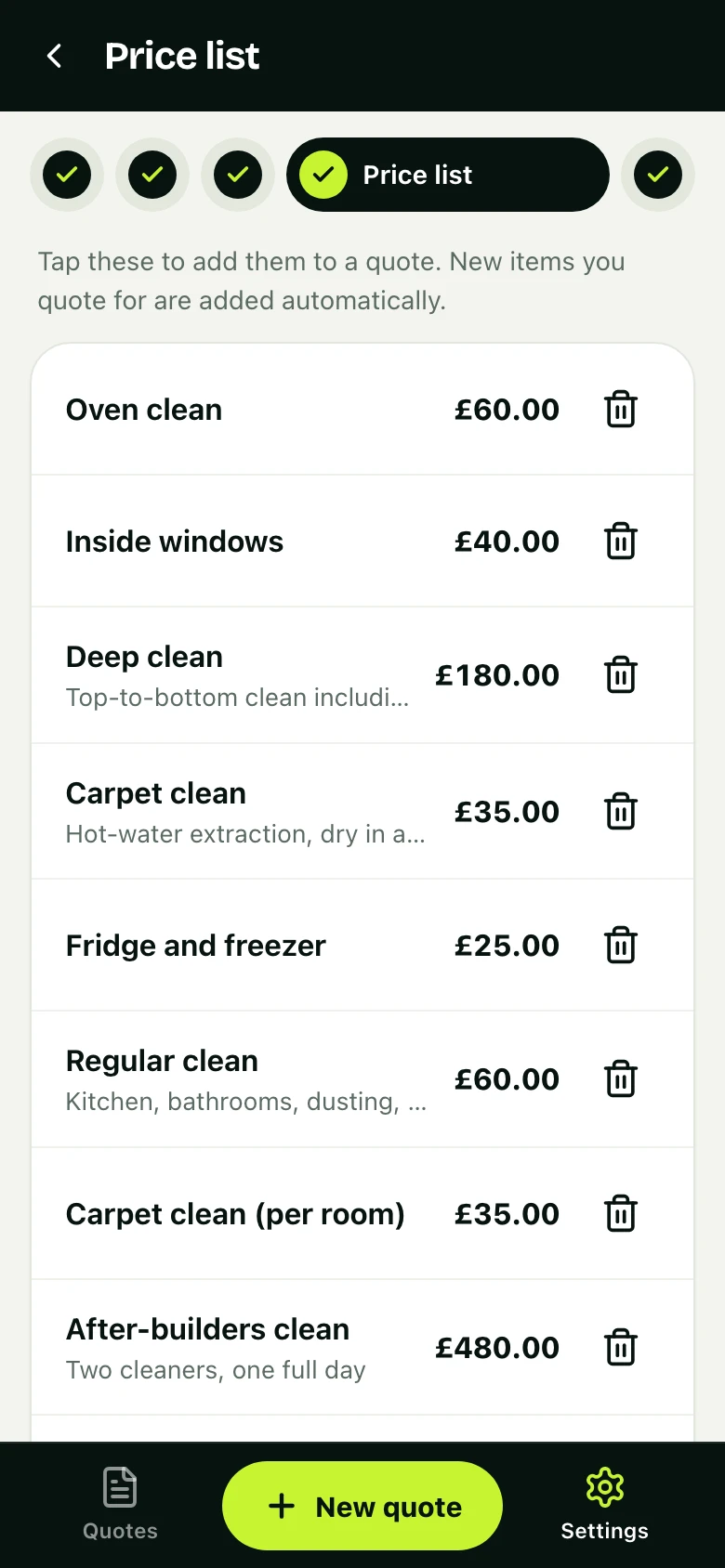
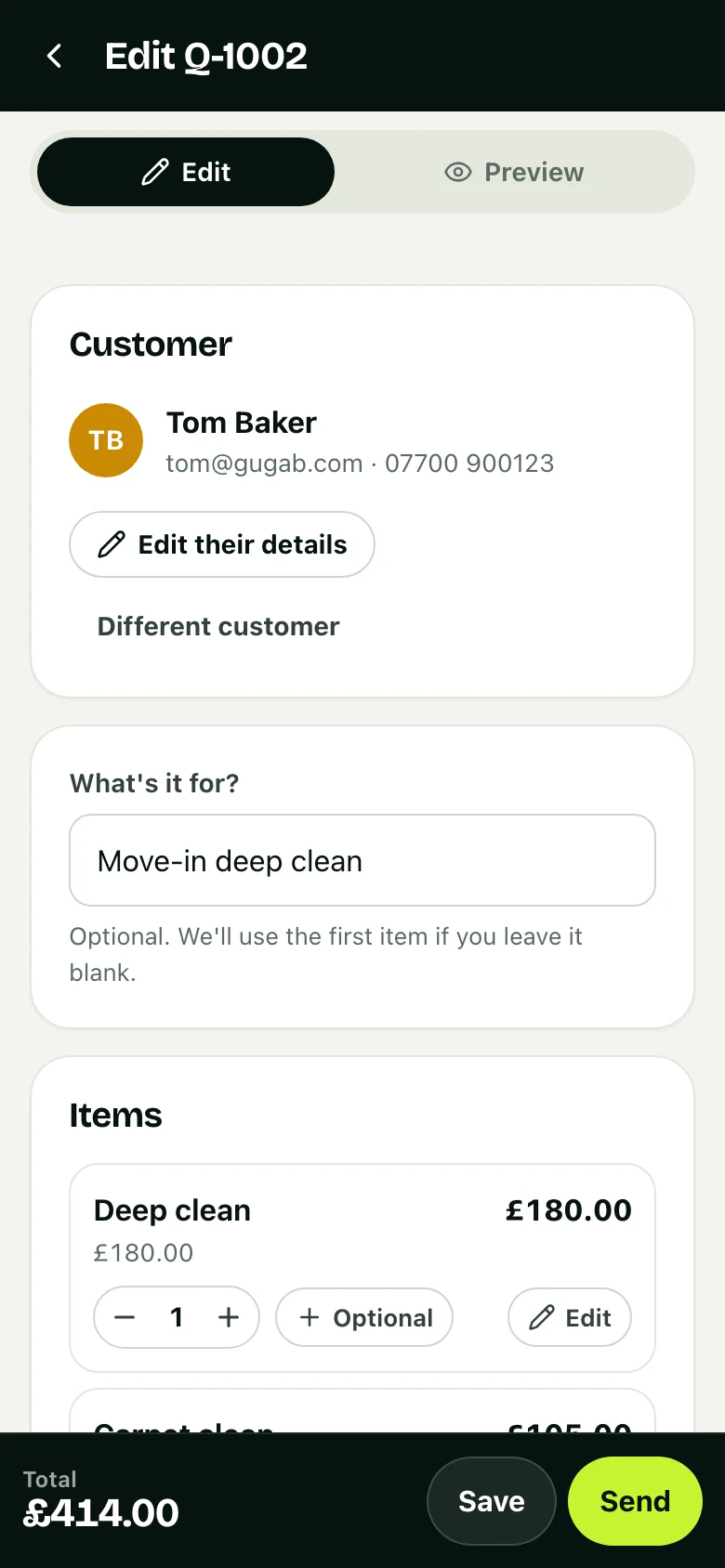
When you sign up to Gugab you choose your kind of work, and a starter price list is ready: the services businesses like yours usually quote for, with typical units and prices you can change. Writing a quote is tapping the items in and setting quantities; anything new you quote for is added to your list by itself, and a price you change on one quote stays on that quote.
Questions people ask
What is a price list for quoting?
A list of the services you sell, each with a name, a short description, a price and the unit it is priced by. You pick from it when you write a quote instead of typing everything again.
Should customers see my price list?
That is up to you. Many businesses keep it private and show only the lines on each quote, so they can adjust for each job.
How many items should it have?
Enough to cover most of your quotes: often 10 to 30. You can always add a custom line for anything unusual.
How often should I change my prices?
Review them at least once a year, and whenever your costs change noticeably. Quotes already sent keep their price.
What if a job needs a different price?
Change the price on that quote only. Your price list stays as it is for the next one.